Page 248 of 479
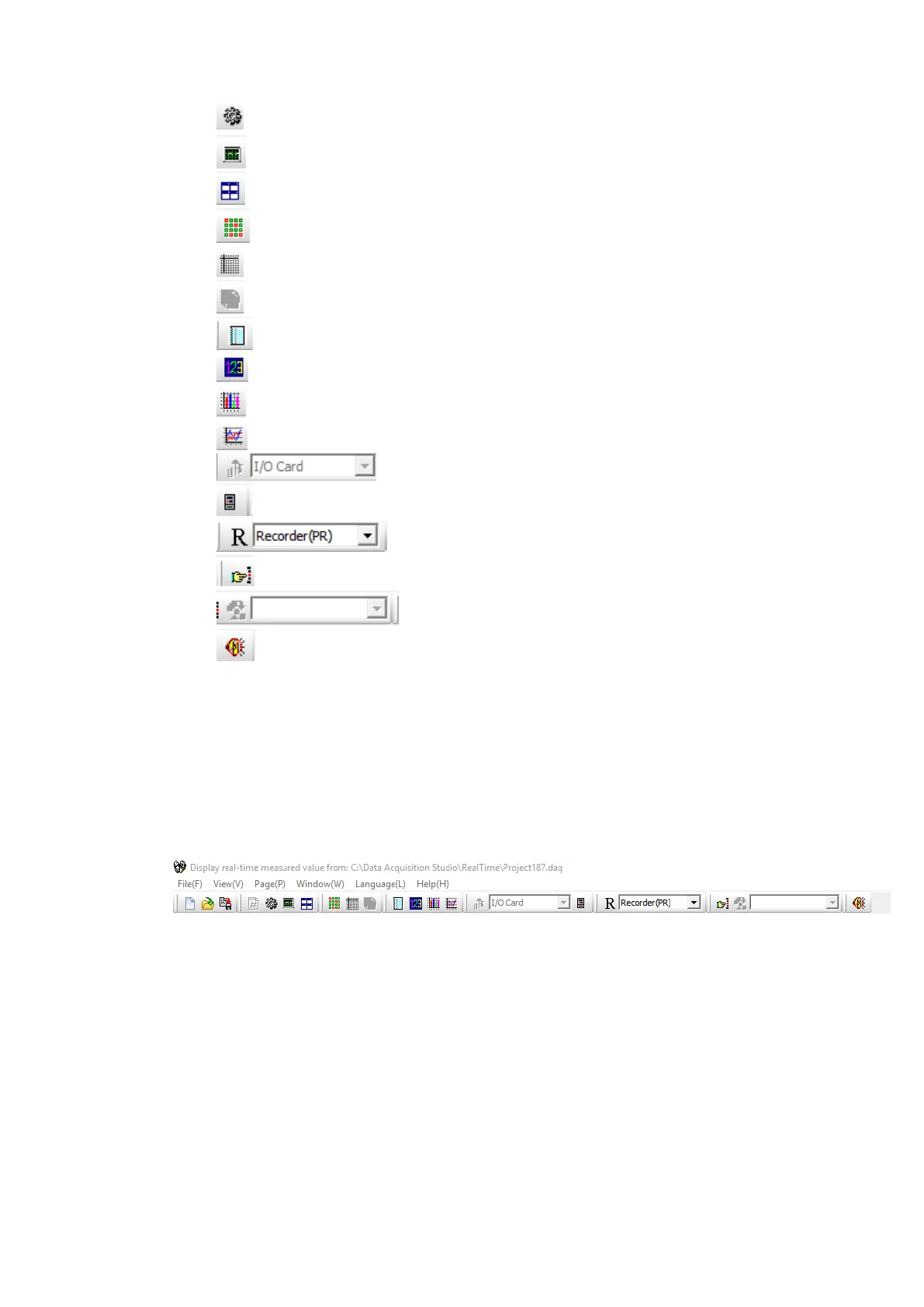
✓ Configuration Data’
✓ Measured Data
✓ Arrange All (Mixed Mode)
✓ All Channel Digital
✓ Status
✓ Auto Page Mode
✓ Show Event/Alarm List
✓ Digital Mode Display
✓ Bar Graph
✓ Trend Mode
✓ IO Module Configuration (only for IO Modules)
✓ Controller Configuration (only for Controllers)
✓ Recorder Configuration (only for recorders)
✓ Manually Operate Jobs
✓ Reset Counters of IO Module (only for IO modules)
✓ Mute Alarms
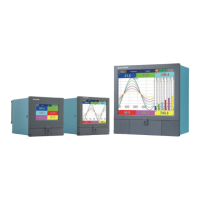
6.2.3.2 Real Time Viewer – Menu Bar
The menu bar of consists of 6 menus. They are listed as below.
1. File(F)
2. View(V)
3. Page(P)
4. Window(W)
5. Language(L)
6. Help(H)
6.2.3.2.1 File (F)
The File menu consists of the below sub menu.



 To Next Page