EasyManua.ls Logo

Brainchild PR20 - Historical Viewer-Menu Bar

Default Icon
479 pages
Print Icon
To Next Page IconTo Next Page
To Previous Page IconTo Previous Page
Loading...
Page 230 of 479
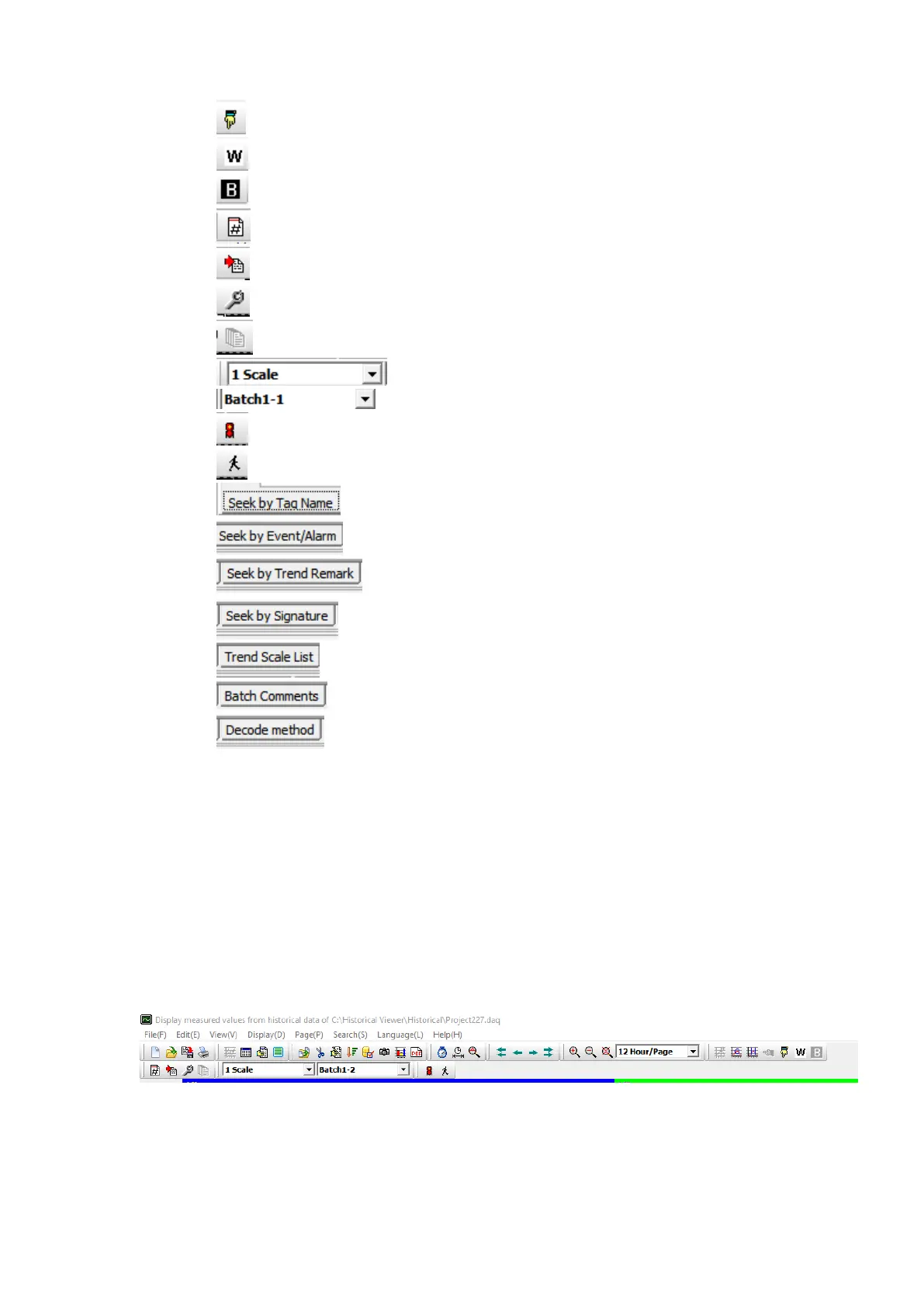
✓ By Vertically
✓ White Background
✓ Black Background
✓ Next Page
✓ Manually import measured data
✓ Configuration
✓ Page Configuration
✓ Scale Selection
✓ Batch Selection
✓ Signature List
✓ Logout
✓ Seek by Tag Name
✓ Seek by Event / Alarm
✓ Seek by Trend Remark
✓ Seek by signature
✓ Trend Scale List
✓ Batch Comments
✓ Decode Method
6.1.3.2 Historical Viewer-Menu Bar
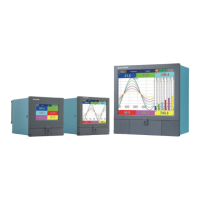
The menu bar of consists of 8 menus. They are listed as below.
1. File(F)
2. Edit(E)
3. View(V)
4. Display(D)
5. Page(P)
6. Search(S)
7. Language(L)
8. Help(H)
6.1.3.2.1 File (F)
The below are the sub menu options available in File Menu.

Table of Contents

Related product manuals