Page 220 of 479
5.15.5 Calibrate an AO with 0 to 10 V
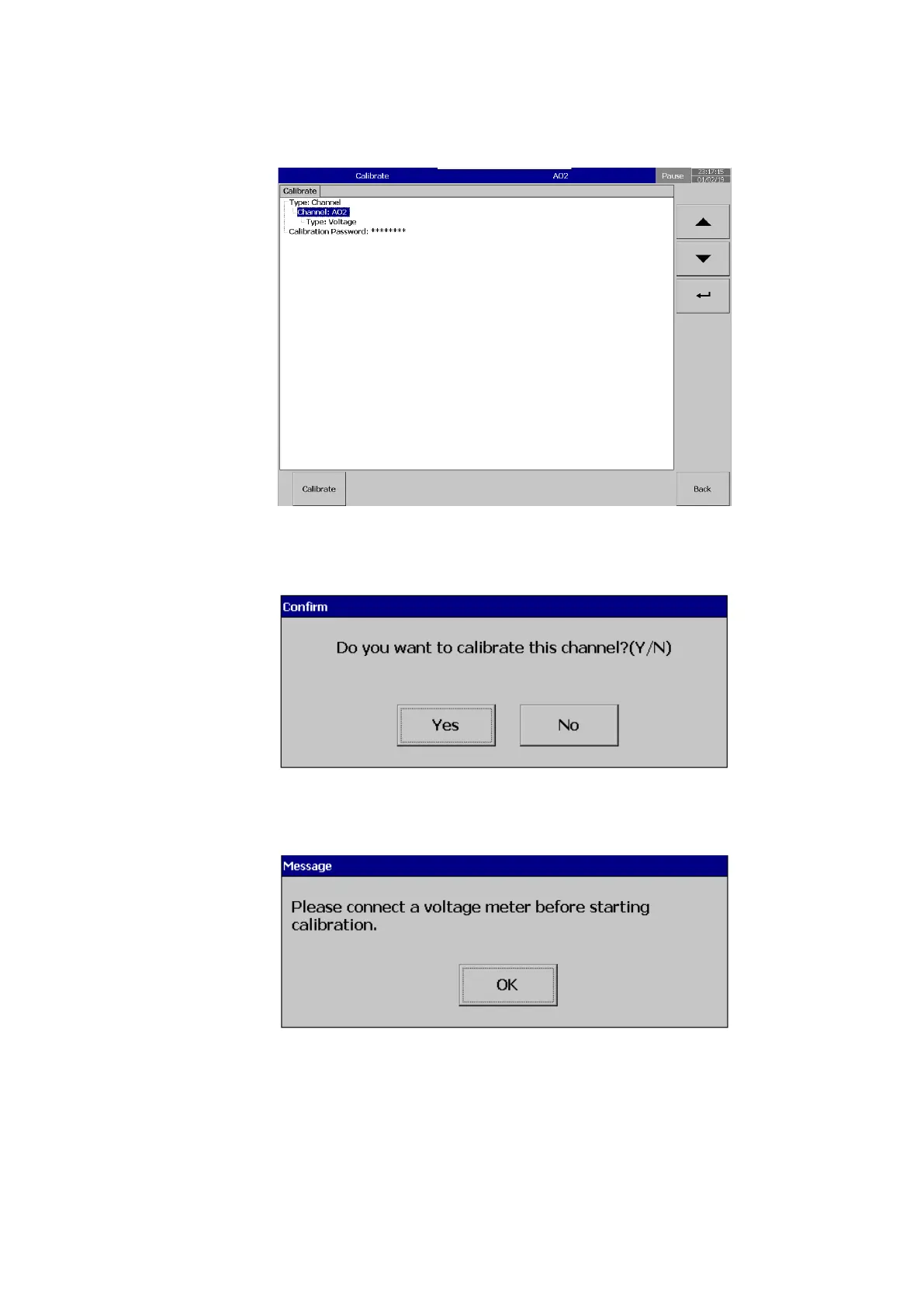
After Entering the Calibration menu, select the channel, output type then press calibrate key.
The system will prompt for a user conformation to do the calibration of the channel.
Press Yes to do the Calibration on No to exit.
Connect a Voltage measuring meter before starting calibration.
The system will inform the user to input the low value input to the channel.



 To Next Page