Obtain a Static IP address from your Internet service Provider (ISP). This IP address should be
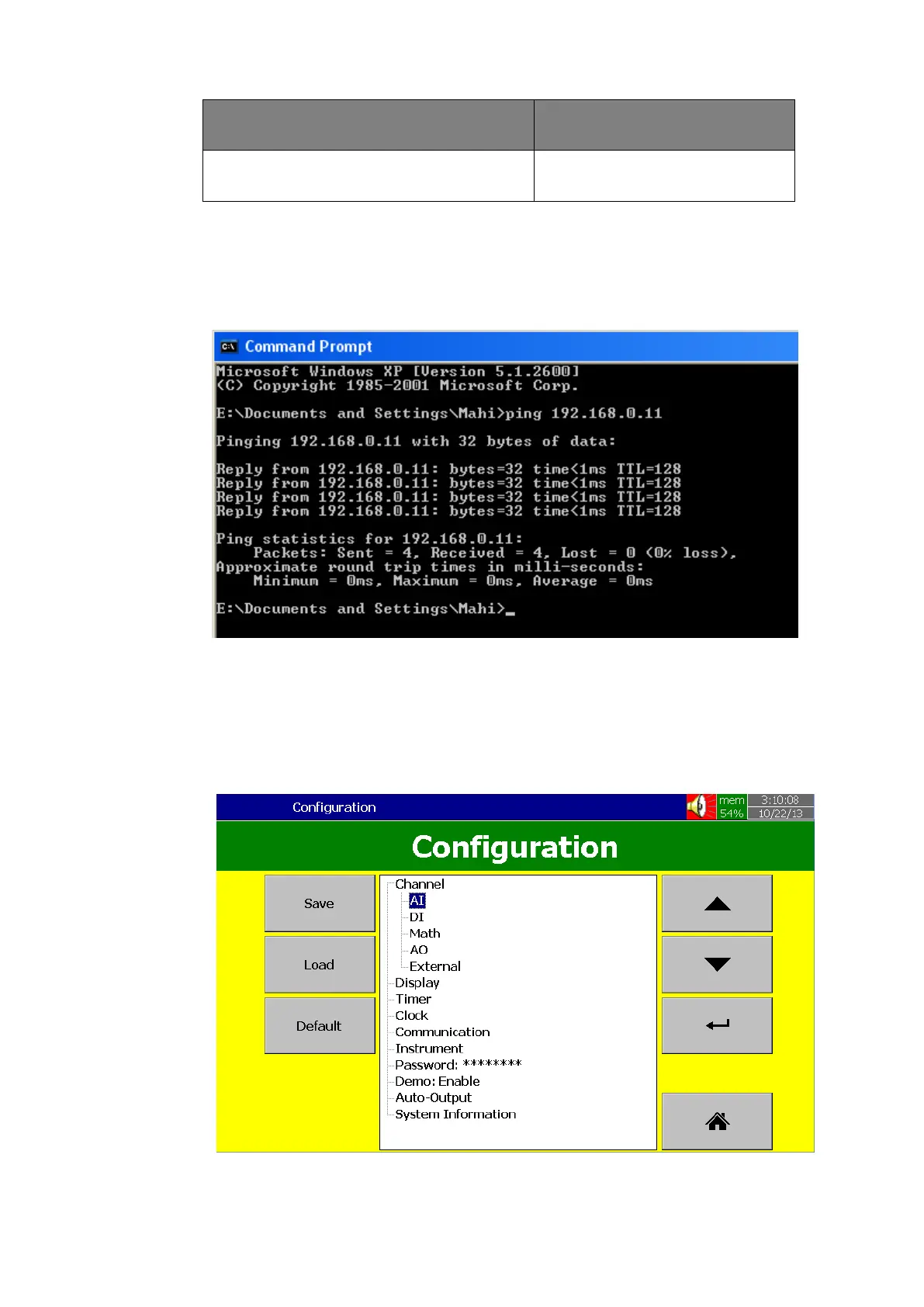
unique. Once the IP address is configured in the Recorder, use a Ping Instruction from the DOS prompt first
to verify there is successful communication between the Recorder and the PC via Internet.
7.2 How to configure Web server Settings
For using Web server application in the PR series Recorder, Configuring the Recorder for a
static IP address, and enabling the Web server.
7.2.1 How to Configure Static IP Address



 To Next Page