Page 296 of 479
Height: It is pixels, resolution in dots available on Y-axis
Author: Write author name/system integrator name for future reference
Version: It is for version management
Password: It is for user security of the project. The Project can be protected by assigning a password to
open the project.
Comments: It is for project management
After entering all the above details, click “OK” to create a new project.
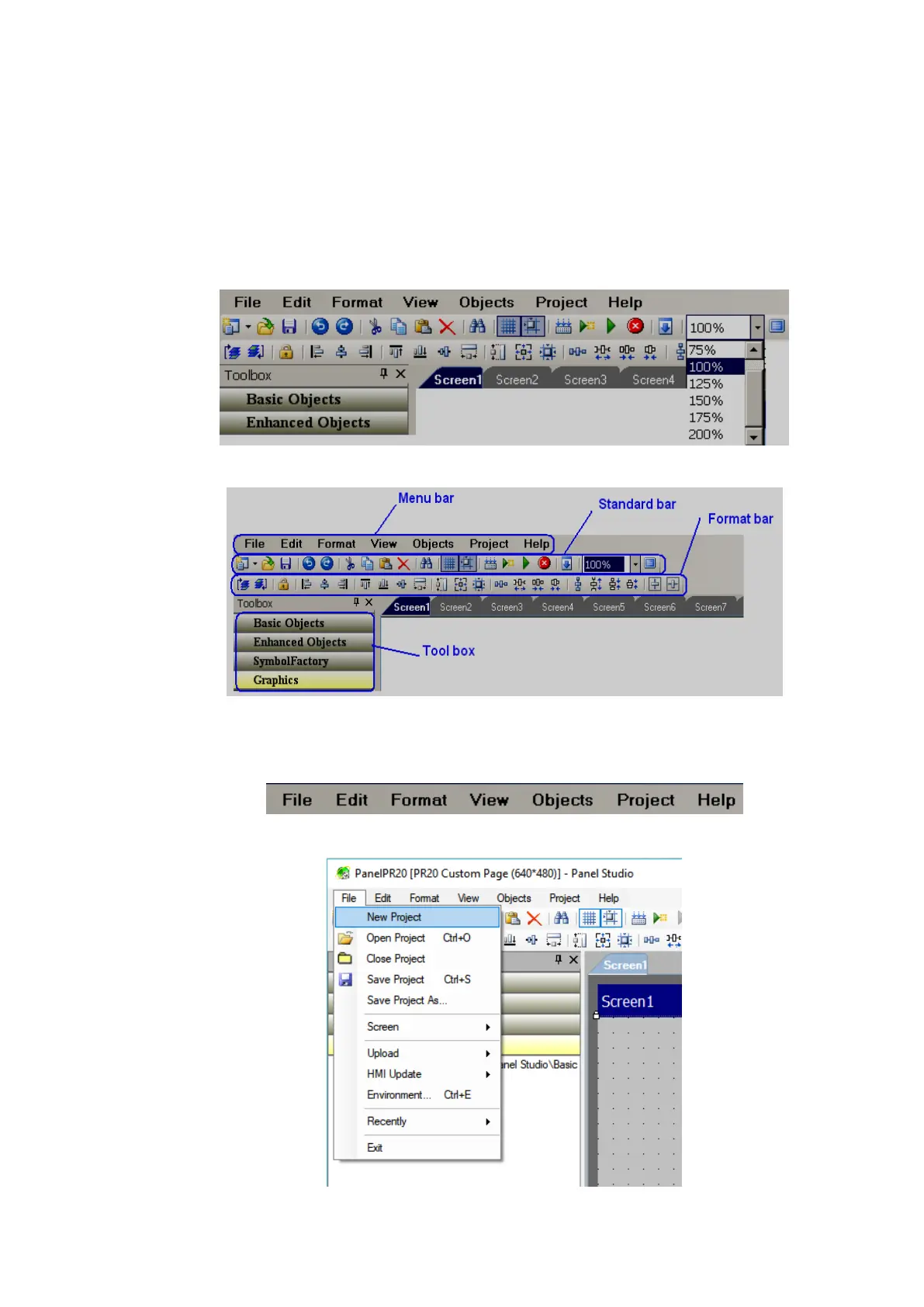
6.3.5 Menu bar
The menu bar has below menus.
6.3.5.1 File
1. New Project: To create a new project



 To Next Page