Page 272 of 479
6.2.3.5 Open an Existing Project
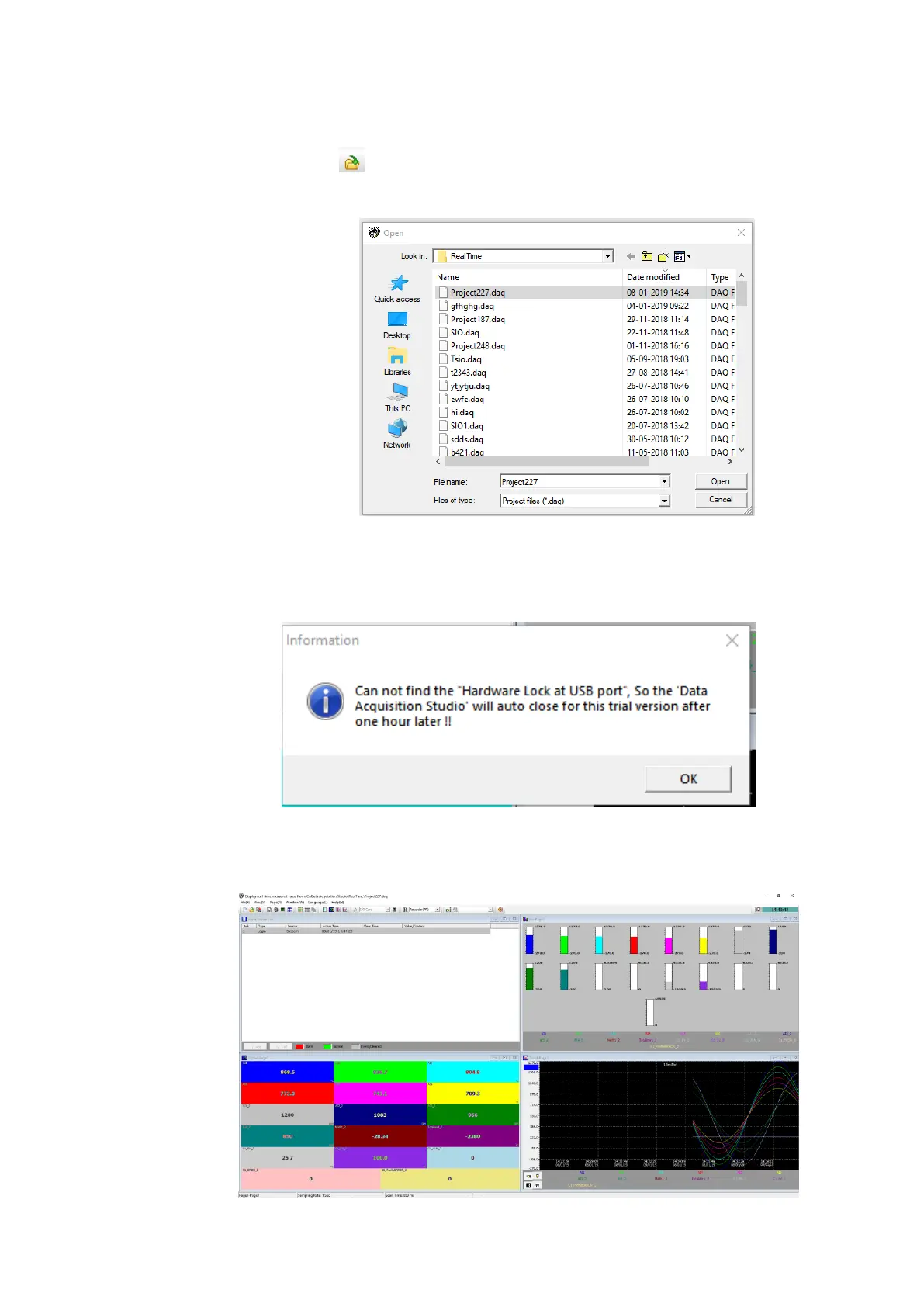
To open an existing project the following procedures to be followed.
1. Click the icon or select Open from File Menu.
2. The software will list the projects from the default project path for the user to select.
3. Select the project and click Open to open the project.
4. If the USB Licence key is not plugged to the USB port of the PC then the Software will show
the warning message and start the demo mode. The software will stop working after the
demo period.
5. Press OK to start in demo mode.
6. If the USB Licence key is plugged in to the USB Port of the PC then the software will start
reading the data from the devices and log the data to the PC.



 To Next Page