Page 232 of 479
8. Remark: Add remark to the data
9. Snapshot: Print the snapshot of the trend view.
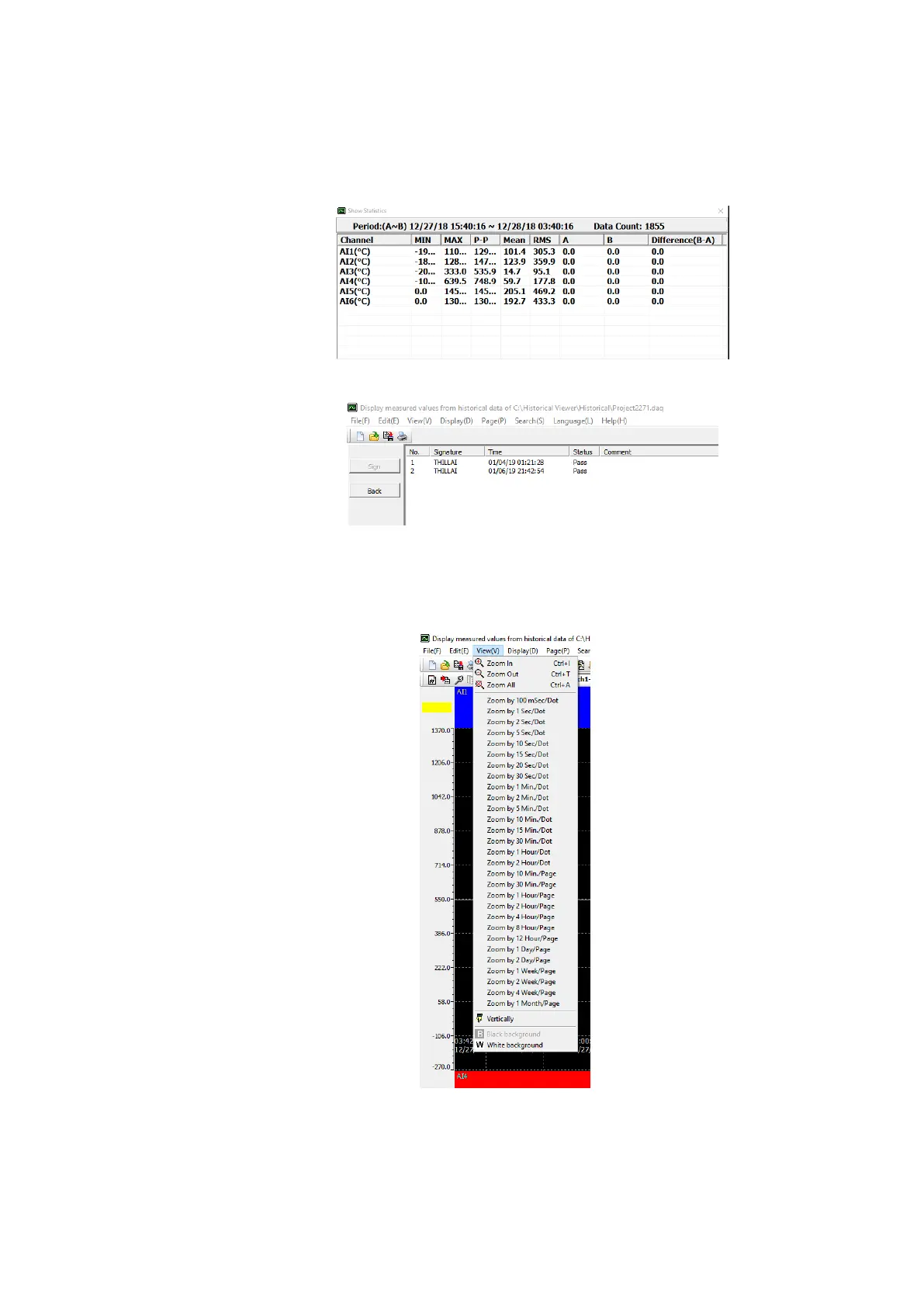
10. Show Statistics: Show the statistical data Min, Max, Ave, P-P, Mean, RMS, Point A, Point B,
Difference of point A and point B (A-B) of displayed trend.
11. Signature: Shows the list of signatures on the data.
12. Display Configuration Option: Select the display configuration as automatically or manually.
6.1.3.2.3 View (V)
The below are the sub menu options available in View Menu.
This will allow the user to select the different zoom rate for the data, vertical or horizontal
direction of trend and black or white background.
6.1.3.2.4 Display (D)



 To Next Page