Page 293 of 479
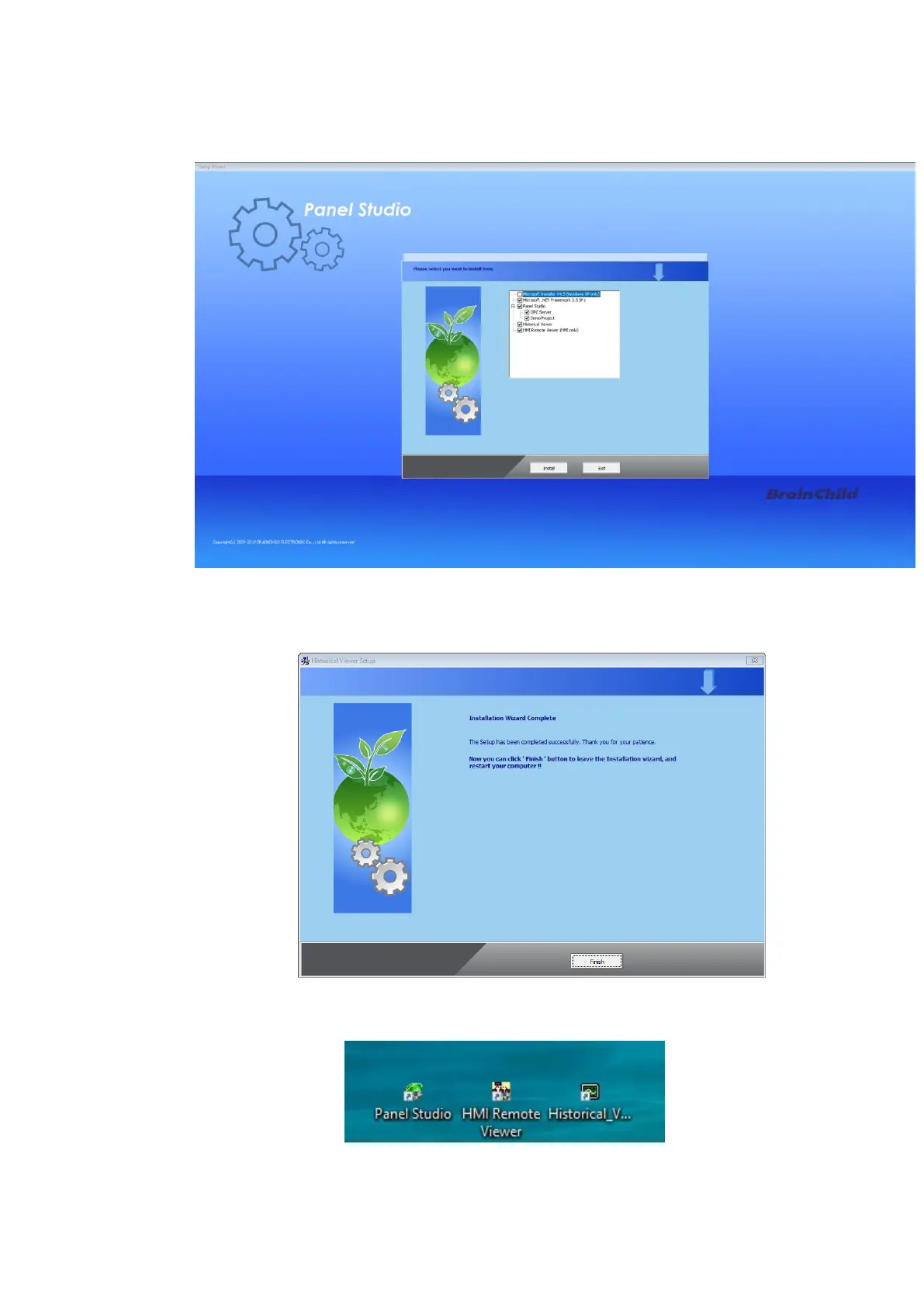
4. Select the required Software needs to be installed on the PC and press Install key to continue
installation.
5. Follow onscreen instructions to complete the installation. Once the installation is completed the
system will show the installation complete message.
6. After installation is successful, shortcut for Panel Studio, Historical Viewer and HMI Remote Viewer
will be created on the desktop.



 To Next Page