Page 311 of 479
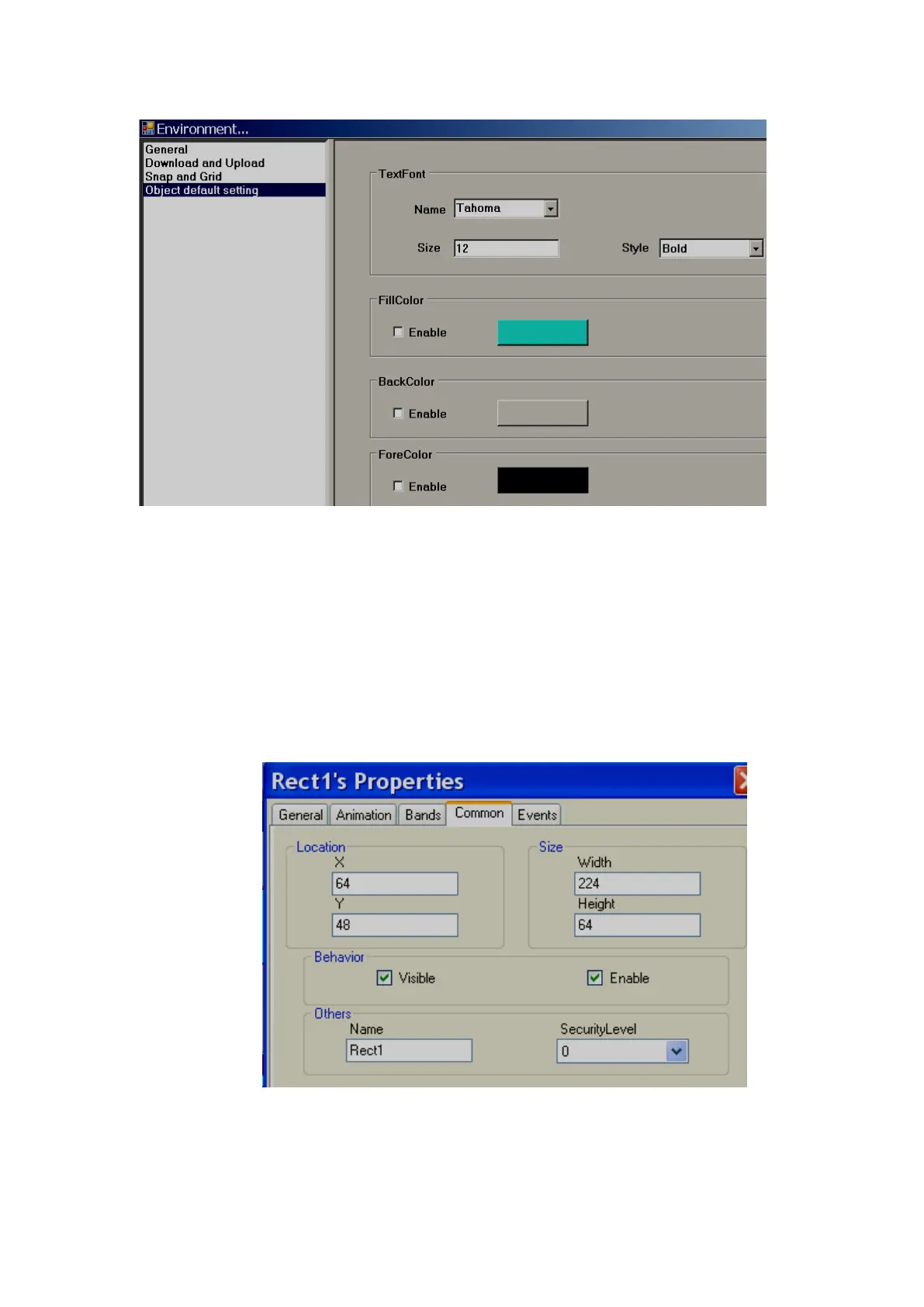
6.3.9.1.1 Common Properties
Appearance
Back Color: Sets the background color of the component.
Fore Color: Sets the Fore color of the component.
Bevel: Used to set the border including inner border, outer border and style of border.
Inner Border: True/False
Outer Border: True/False
Style
9 styles are available. They are None, Flat, Single, Double, Raised, Lowered, Double Raised,
Double Lowered, Frame Raised, and Frame Lowered
Behaviour
Visible: True/False, determines whether component/control is visible or hidden
Enable: This is for event control. If linked with a Digital tag, when the tag value =1 in run time,
events configured for the object will be executed. If the tag value = 0, events will be not executed



 To Next Page