Page 367 of 479
6.3.9.2.6 Bar Box
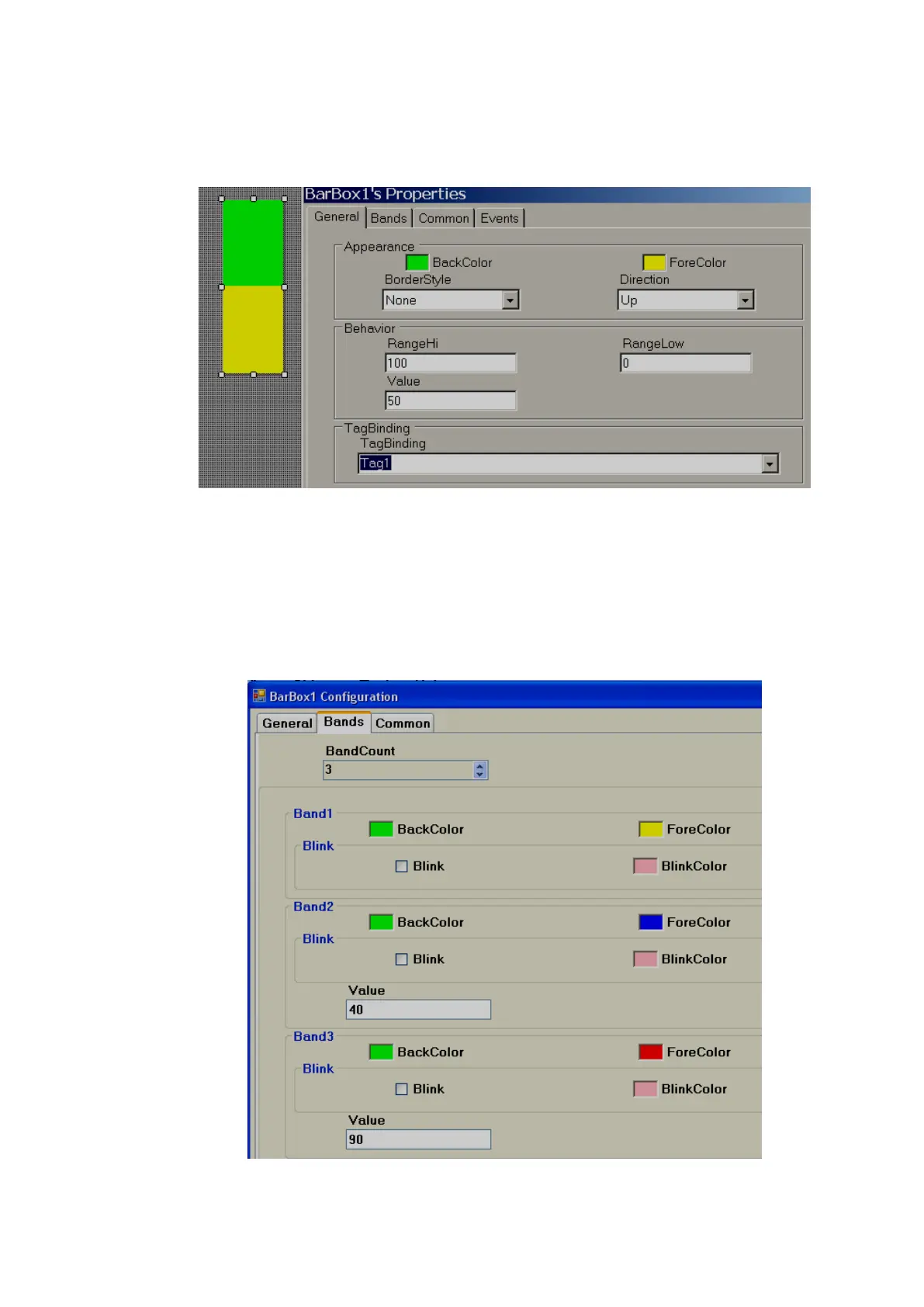
Bar Box is a Graphical User Interface widget that displays a bar graph for an Analog Tag during
Run Time. Every Bar box should be linked with an Analog Tag.
Properties
Border Style: Define border style. Options include fixed single, fixed 3D and none.
Direction: Define direction of Bar graph. Up/Down/Left/Right
Range high: Display scale high.
Range Low: Display scale low.
Value: Default value. It is to check how fore color, back color displays in PC during design time.
Tag Binding: Select the Analog Tag of process value.



 To Next Page