Page 394 of 479
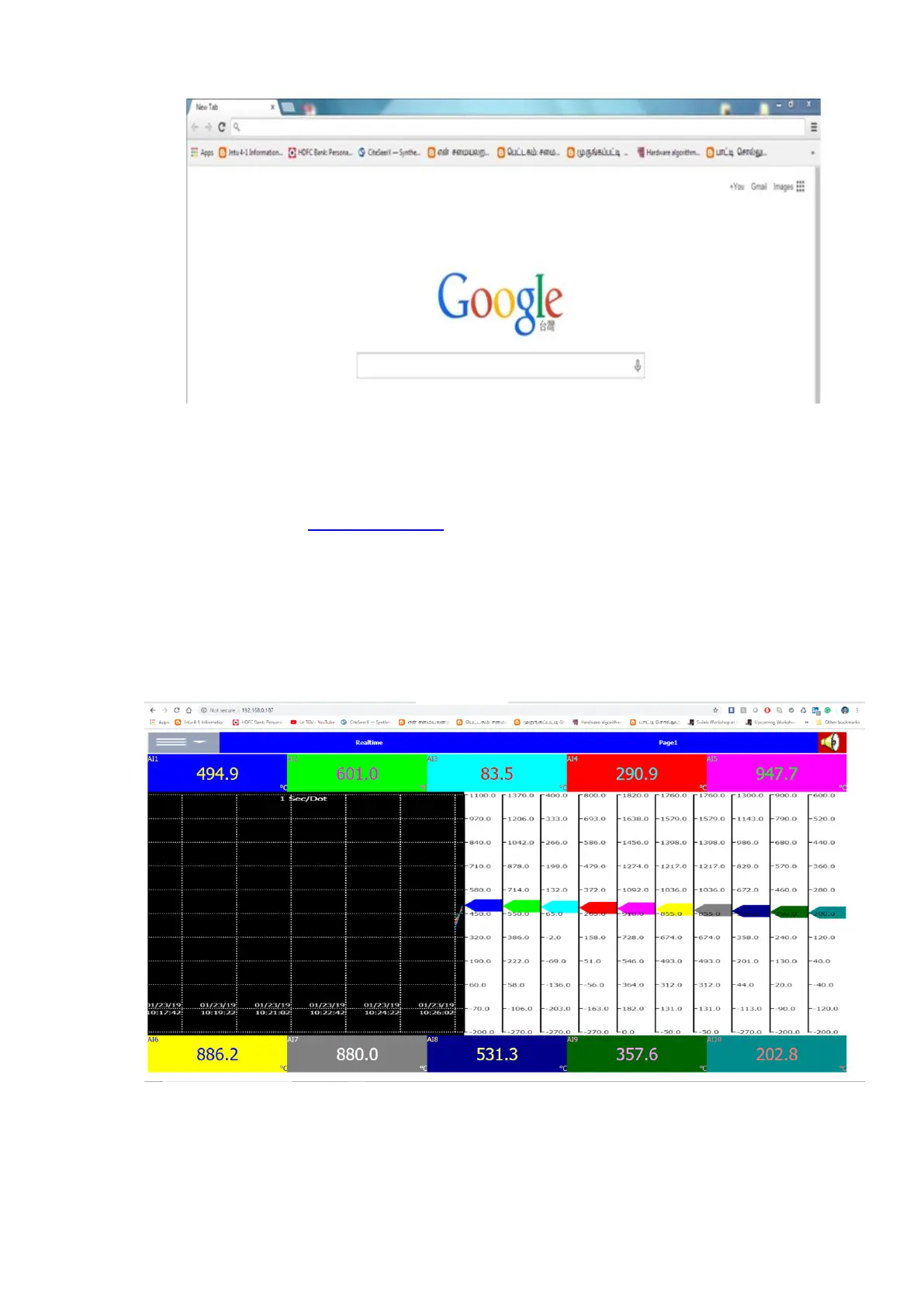
❖ Enter the IP address of the Recorder in the address bar of the browser.
Format: http://192.168.1.111
❖ Now you can see the Paperless Recorder screens in browser as shown below
❖ The display includes Real time values of all channels like AI, Math, Counters, Totalizers, Real
time alarms, historical alarms, status of Digital Inputs, Digital Outputs, Analog Outputs, Counters,
and Totalizers etc...
❖ Press Real time to select and view the real time display of display pages.



 To Next Page