Page 62 of 479
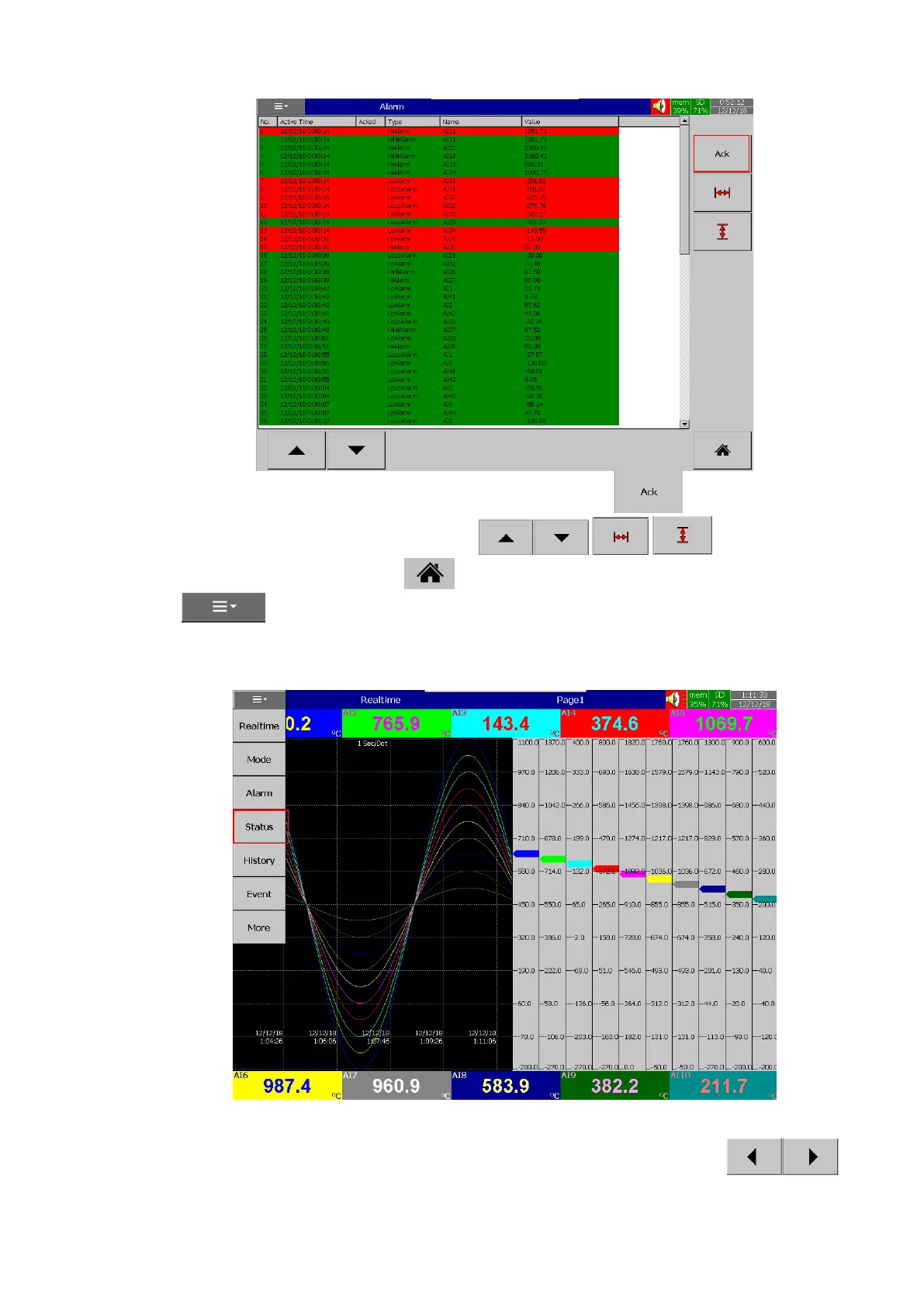
The user can acknowledge the alarm by pressing the ACK key. The user can
navigate the alarm display by using the scroll keys . The user can go back
to Home screen by pressing the Home key. The user can access other menus by pressing the
menu key.
4.1.1.1.4 Status
Status menu will show the status of DI, DO, AO, Totalizer, Counter.
By using the DI, DO, AO, Counter, Totalizer tabs the individual status can be viewed in the
respective tabs. The selected tab can be changed by using the left and right scroll keys .The



 To Next Page