DIAPER FEEDER Device
MATRIX CUBE - 89 -
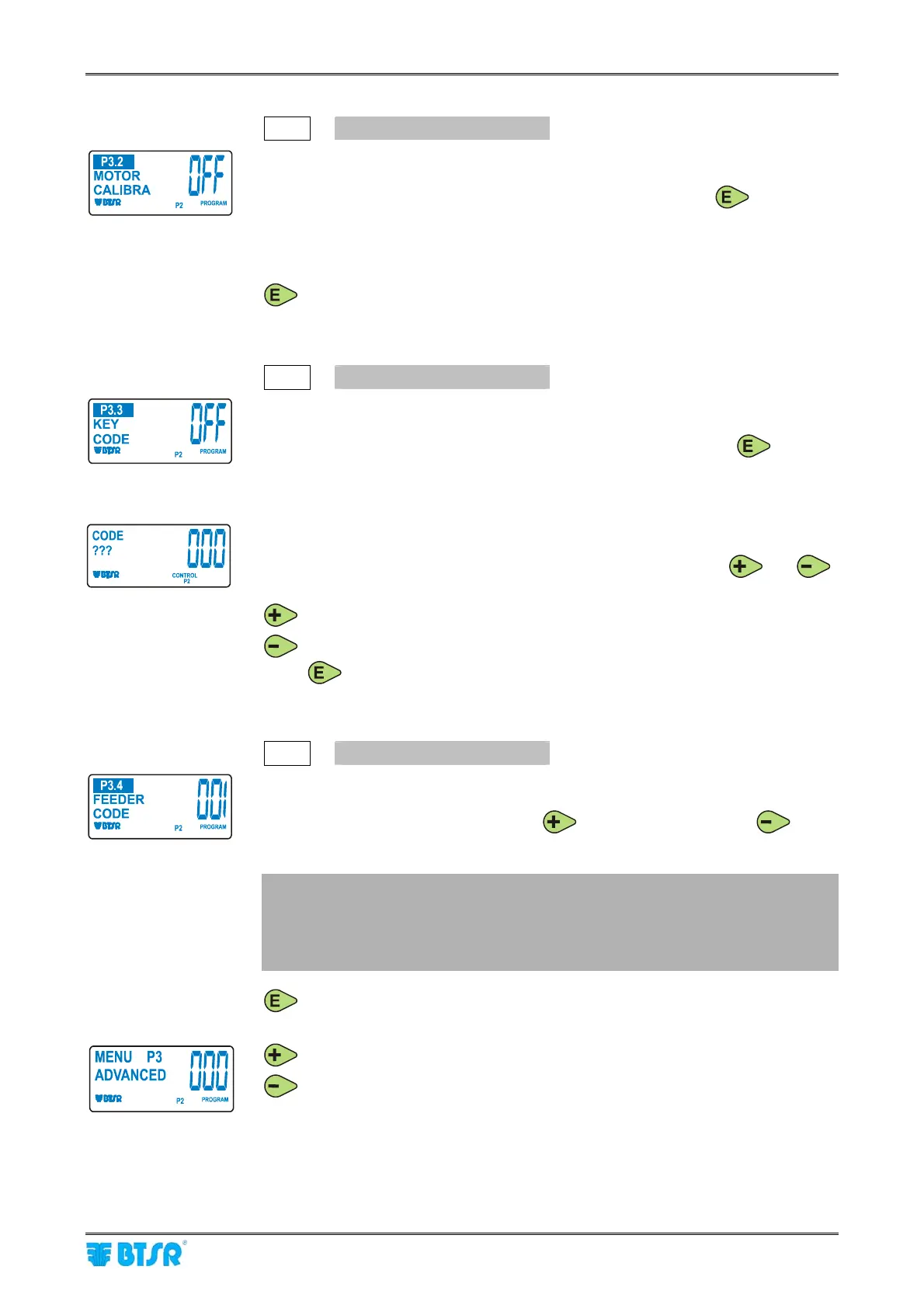
P3.2
MOTOR CALIBRATION
Automatic function reserved to BTSR service staff, in case of motor replacement.
It allows executing the automatic calibration of the new motor.
To activate the motor calibration procedure, press and hold down
for 3
seconds.
The OFF indication will be replaced by 000 and the motor will automatically carry
out a number of movements to both directions, in order to adjust the calibration,
then it will stop and the OFF indication will re-appear.
to select the next parameter.
P3.3
KEY CODE
This function allows you to define a secret numeric code to prevent non authorized
personnel from accessing the P1, P2, P3, P4 programmable functions.
This function may be either enabled or disabled by holding down the
button
for 3 seconds.
OFF indicates that the function is currently disabled.
If you specify an access code, this will be requested each time you attempt to
activate the programming environment.
When the
CODE ??? request appears, type the secret key-code using and
buttons.
increase the value of secret key code.
decreases the value of secret key code.
Press
to save the key-code and move to the next parameter.
P3.4
FEEDER CODE
This function allows you to visualize and/or set the numeric code corresponding to
the identification address of the DIAPER FEEDER device.
Set the desired identification code using
(to increase the value) or (to
decrease the value).
Usually the setting of device identification code is carried out from SMART
MATRIX CUBE terminal using the serial communication port; however in
particular circumstances (for instance after the replacement of a DIAPER
FEEDER device), it may be useful to set the code operating directly on the
new device.
to return to the beginning of P3 menu.
to switch to P4 menu.
to return to CONTROL status without programming P4 menu.











 To Next Page