10
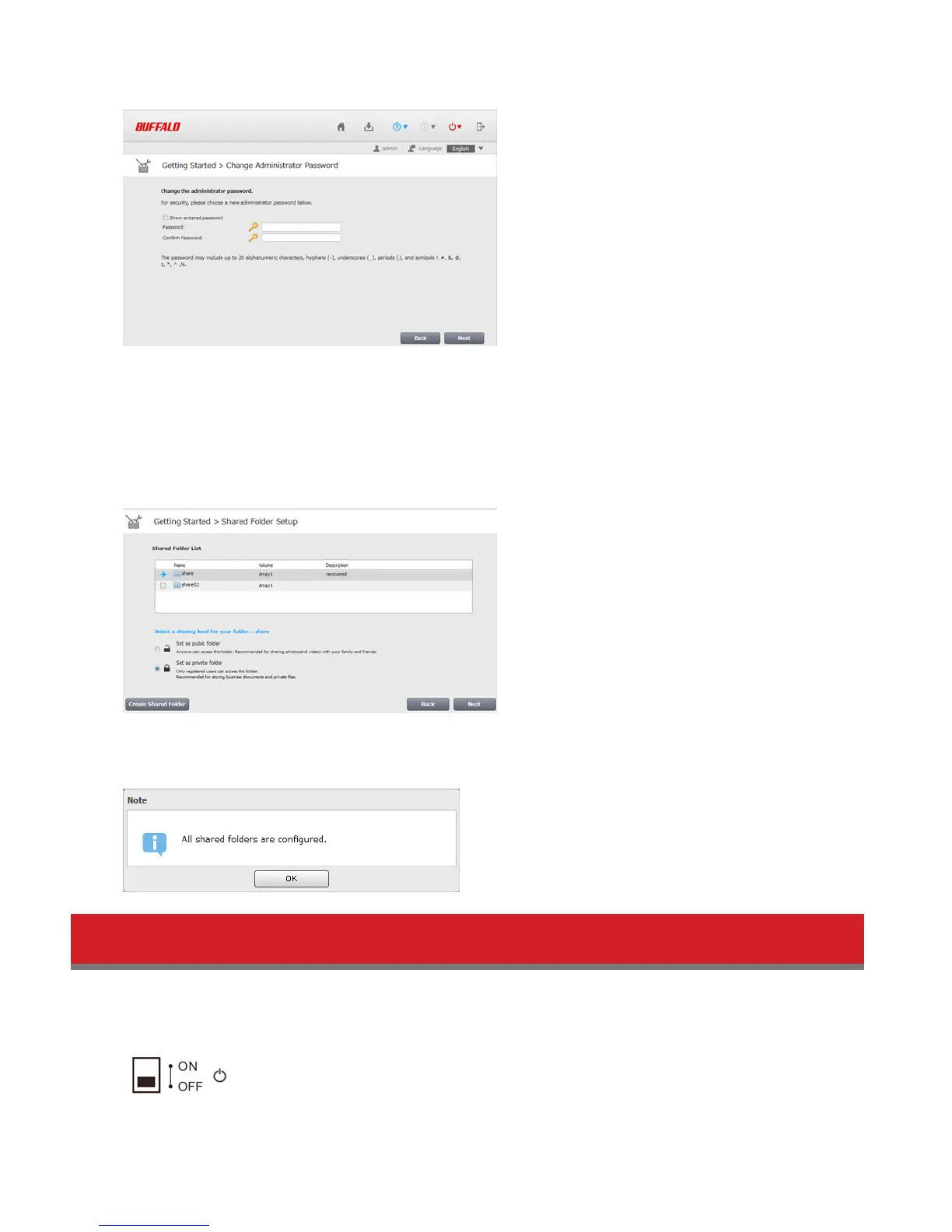
3 Changing the password from the default is recommended.
Note: You can open this same screen by clicking Getting Started from Easy Admin.
4 Enter the new password (twice), then click Next.
Note: The default username and password are “admin” and “password”. To keep the defaults, leave both fields blank
and click Next.
5 Configure levels of sharing for all existing shared folders (public or private) to complete the initial setup wizard.
Note: Select “Set as private folder” to restrict access to the folder to specific users.
6 Click OK when the following message is displayed.
Turning the LinkStation On and Off
Move the power switch on the back of the LinkStation to the “on” position to turn it on. To turn it off, move the switch
to the “off” position and wait for the unit to fully shut down before unplugging it. Never unplug the AC adapter without
properly powering down the LinkStation first.
When all the LEDs on the front of the LinkStation turn off, the shutdown process is complete.















 To Next Page