59
Configuration from Advanced Settings
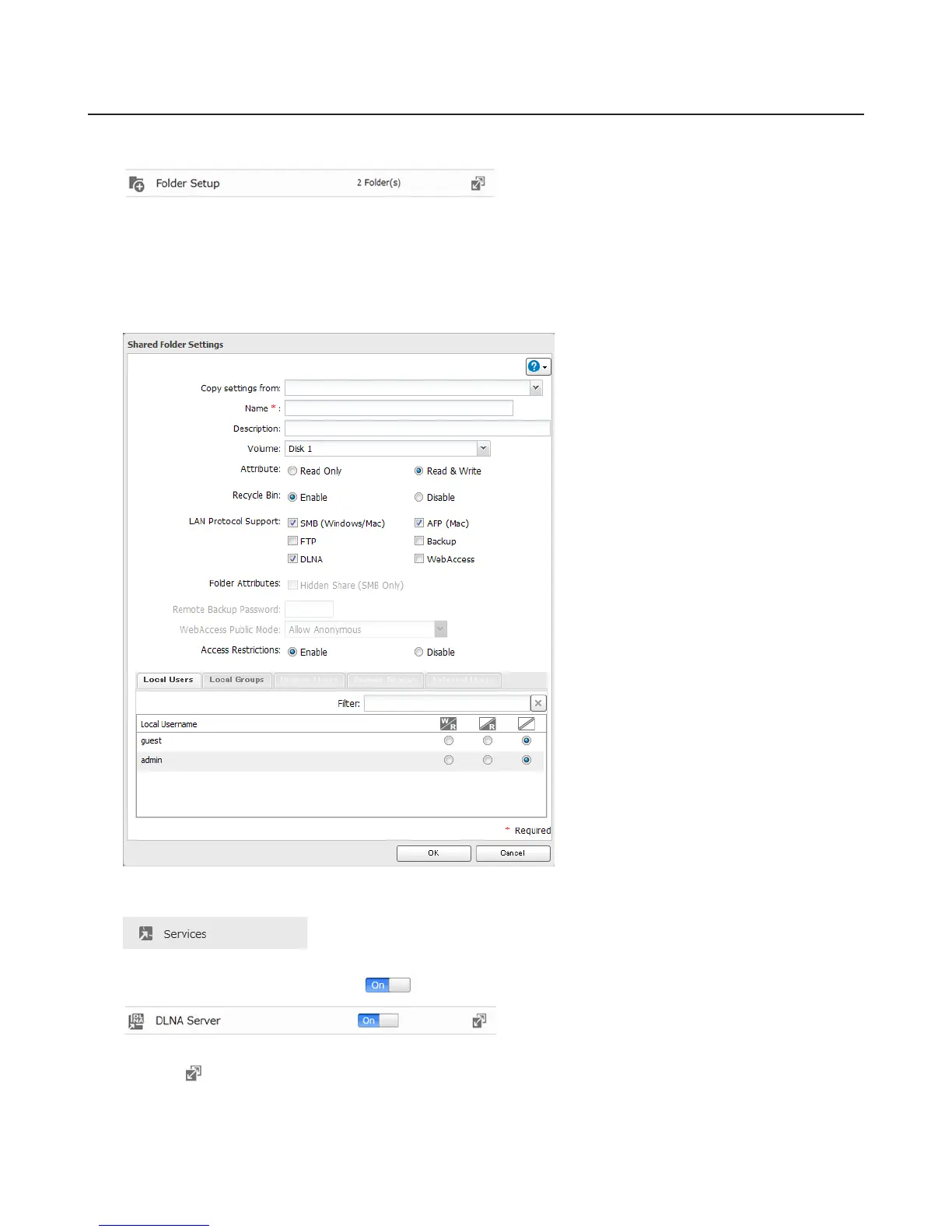
1 Navigate to File Sharing - Folder Setup.
2 Select the folder that you want to share with media players and other DLNA-compatible devices.
3 Click Edit.
4 Enable “DLNA” under “LAN Protocol Support”, then click OK.
5 Click Services.
6 Move the DLNA Server switch to the position to enable DLNA.
7 Click the icon to the right of “DLNA Server”.
8 Click Edit.















 To Next Page