66
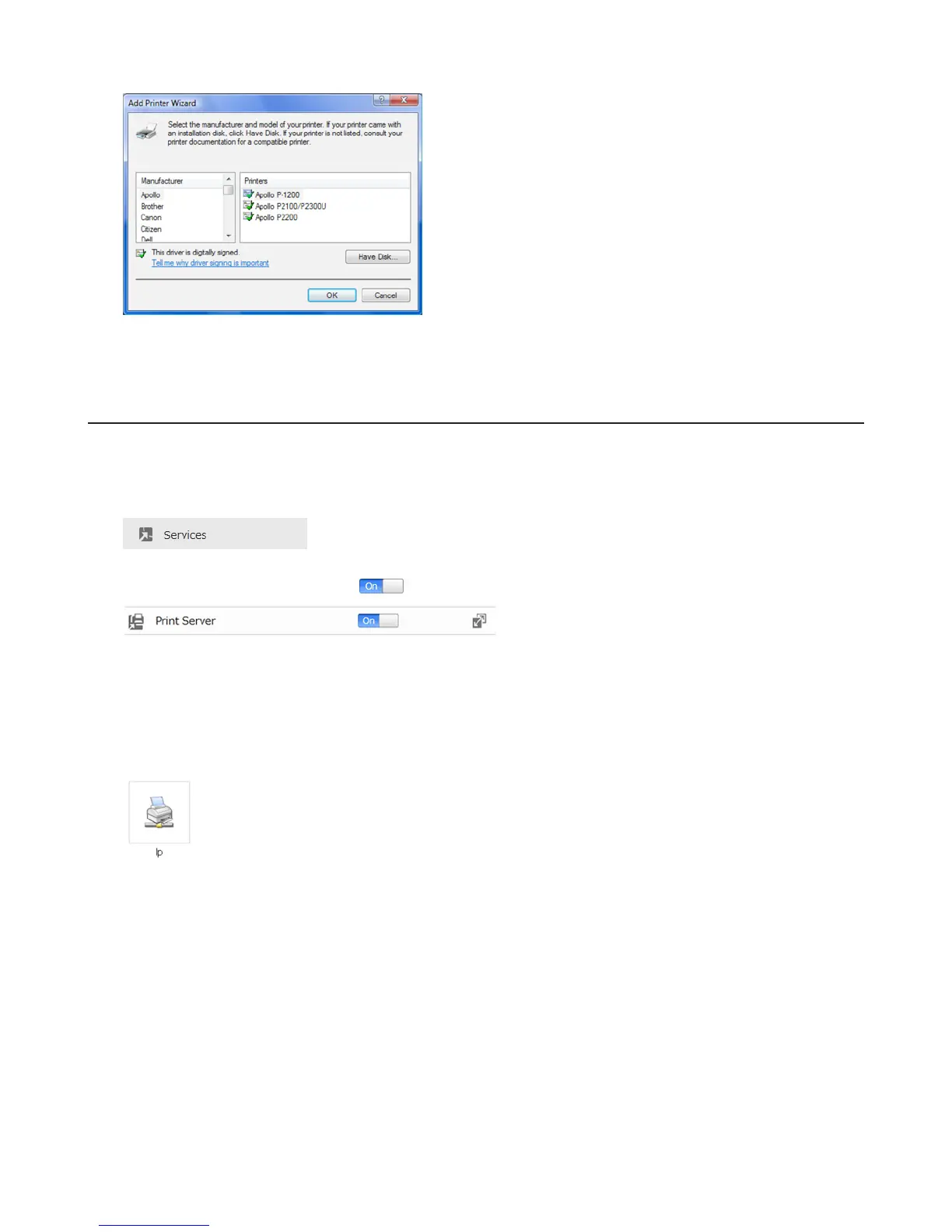
9 Register the printer.
Setting Up a Printer with Windows XP
1 Connect a printer to the LinkStation’s USB port, then turn the printer on.
2 In Advanced Settings, click Services.
3 Move the Print Server switch to the position to enable the Print Server.
4 Refer to the manual supplied with the printer.
5 Launch NAS Navigator2. Double-click your LinkStation’s icon.
6 Double-click your printer icon.
7 When “The server for the printer does not have the correct printer driver installed. If you want to search for the
proper driver, click OK.” displays, click OK.
8 Select the driver connected to the LinkStation, then click OK.















 To Next Page