12
Notes:
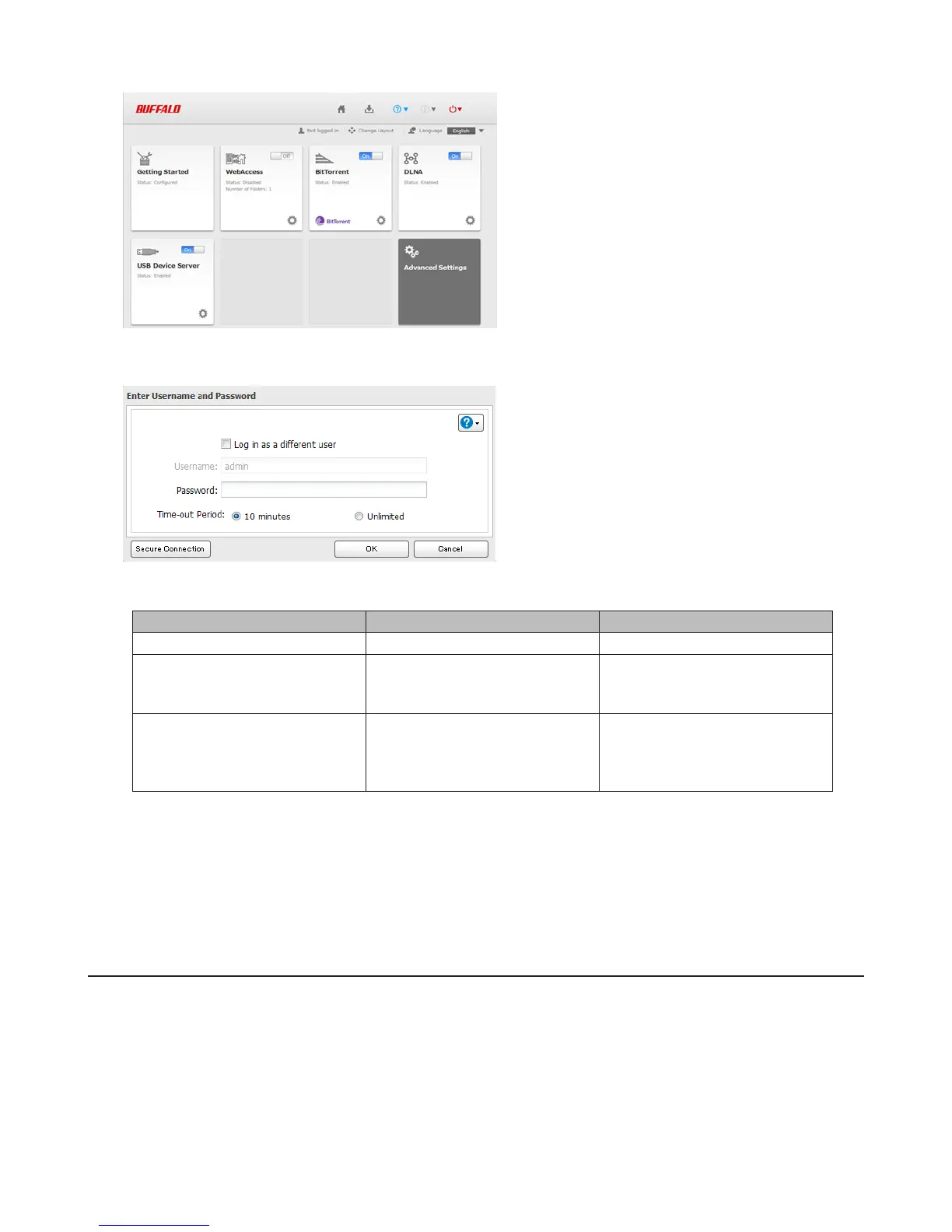
• If you click any buttons, you will need to enter a username and password.
• Username/Password Combinations:
Username Password Settings Available
admin password All
guest blank
LinkStation’s name, IP address,
workgroup, drive status,
firmware version
your username your password
LinkStation’s name, IP address,
workgroup, drive status,
firmware version, and your
password.
• If the time-out period is set to “10 minutes”, you will be logged out of Settings after 10 minutes of inactivity. You
will also be logged out when you reboot the LinkStation or close the web browser, even if you select “Unlimited”.
• Click Secure Connection to log in with an encrypted connection.
• You can also use Bonjour to log in to Settings on Mac OS. In Safari, click View - Show Bookmarks Bar. From Book-
marks, click Bonjour - LinkStation name.
Getting Started
The wizard lets you configure the following settings:
• Changing administrator password
• Creating shared folders
• Access restrictions for shared folders with each user















 To Next Page