27
Notes:
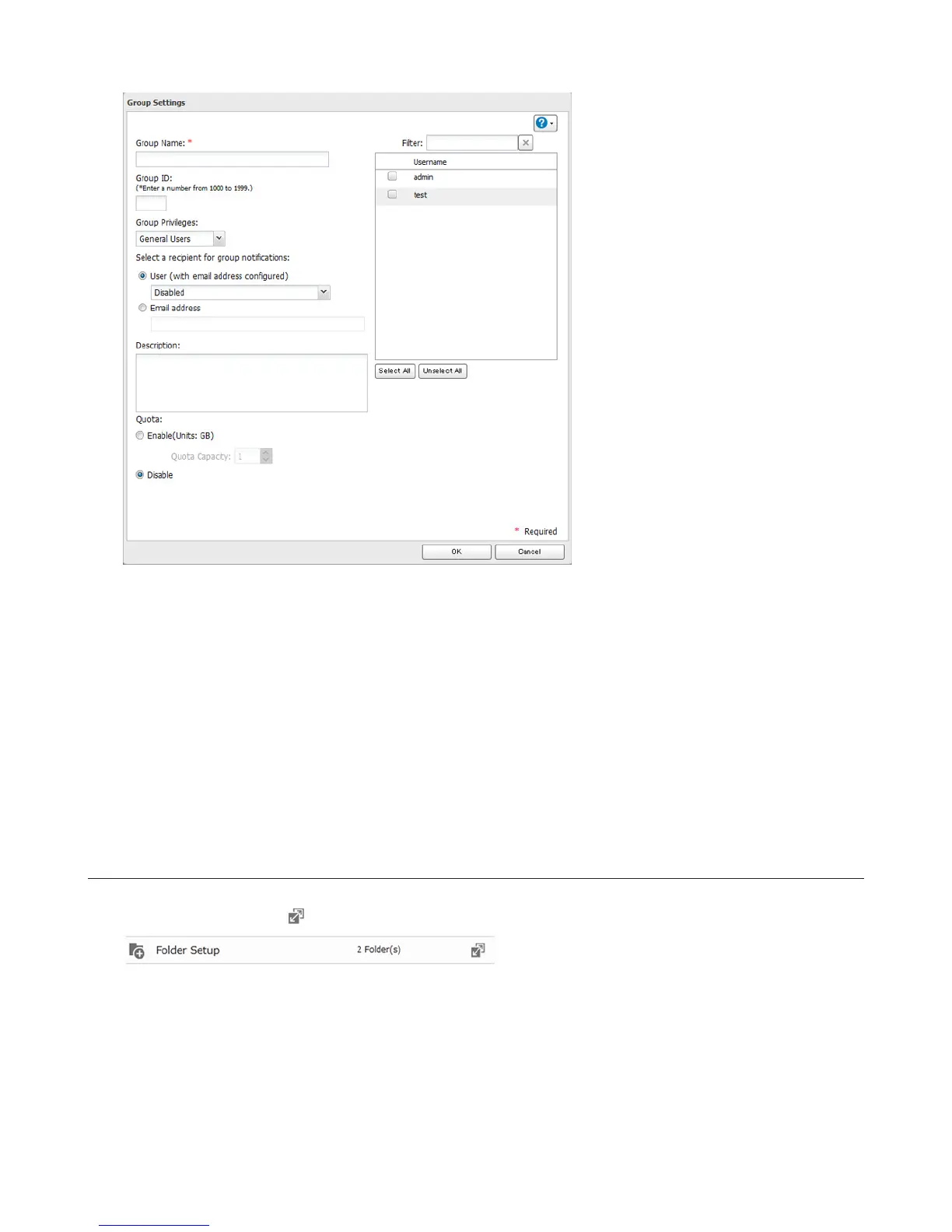
• Group names may contain up to 20 alphanumeric characters, hyphens (-), underscores (_), and periods (.). Do not
use a symbol other than an underscore (_) as the first character.
• Group descriptions may contain up to 75 alphanumeric characters, hyphens (-), underscores (_), and spaces. Do
not use a symbol or space as the first character.
• If the group ID field is left blank, a group ID is automatically assigned. Use numbers between 1000 and 1999 to
set a group ID manually. Don’t use duplicate group IDs.
• You may register up to 300 groups with the LinkStation.
• If you are logged in as a member of the general users group, you can only change your own password. If you’re
logged in as an administrator, you can change any settings, including other users’ passwords. If you are logged in
as a member of the power users group, you can create and edit shared folders, users, and groups.
Access Restrictions
1 In “File Sharing”, click the icon to the right of “Folder Setup”.
2 Click the shared folder that you want to set access restrictions for.















 To Next Page