23
Chapter 4 Access Restrictions
You may restrict access to specific shared folders, including external USB drives.
Notes:
• Access restrictions can be set separately for each shared folder, but not for subfolders within the shared folders.
• Configure access restrictions through Settings. Configuring access restrictions through Windows is not supported
and may cause unexpected behavior.
Configuring Access Restrictions on Users and Groups
Adding a Shared Folder
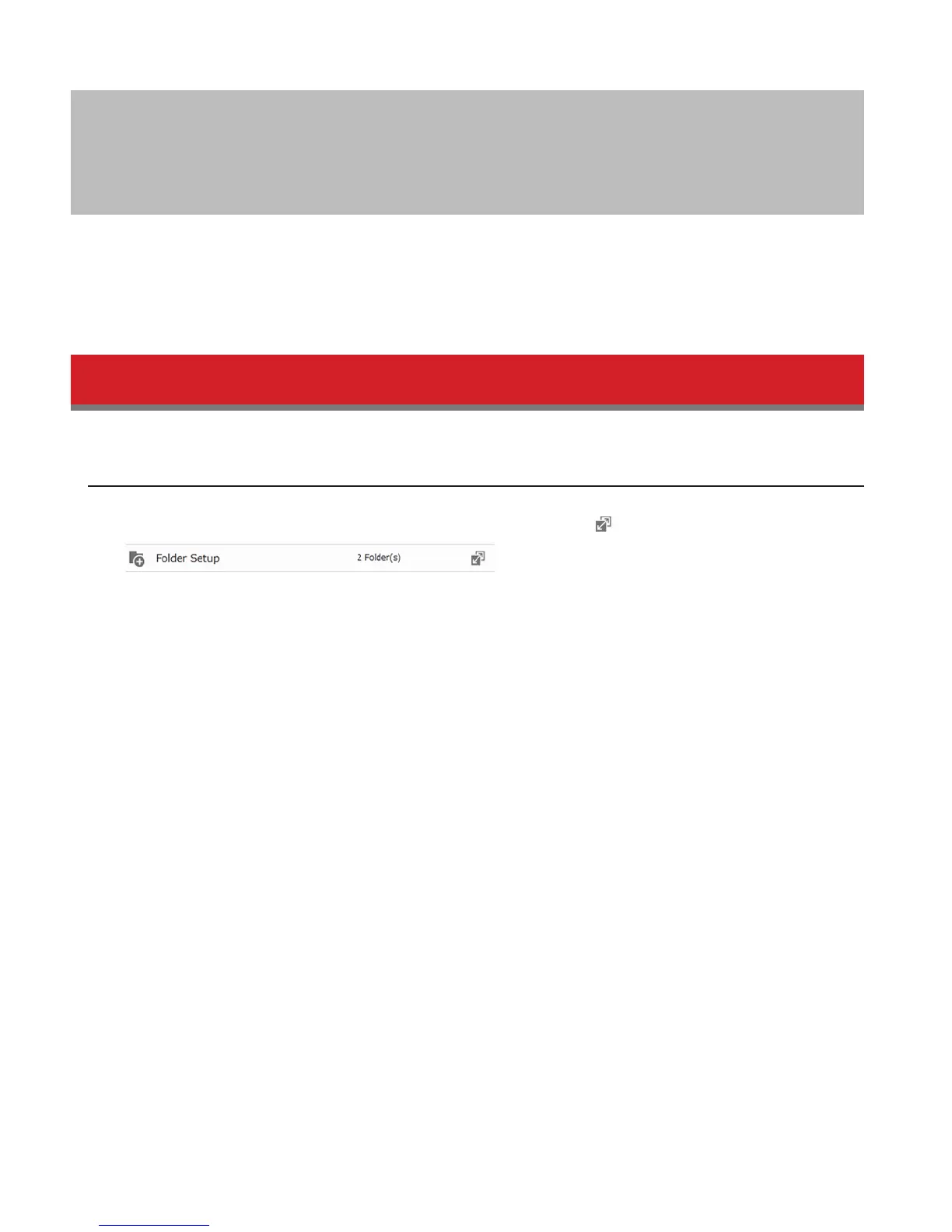
1 In Advanced Settings, navigate to File Sharing - Folder Setup and click the icon.
2 Click Create Folder.
3 Configure the settings, then click OK.















 To Next Page