63
BitTorrent
BitTorrent is a protocol for distributing large amount of data efficiently. The information in this chapter is for users who
are familiar with BitTorrent.
Notes:
• Use compatibility mode to use “Download Manager” with Windows 8.
• The download manager is similar to “µTorrent”.
Configuration from Easy Admin
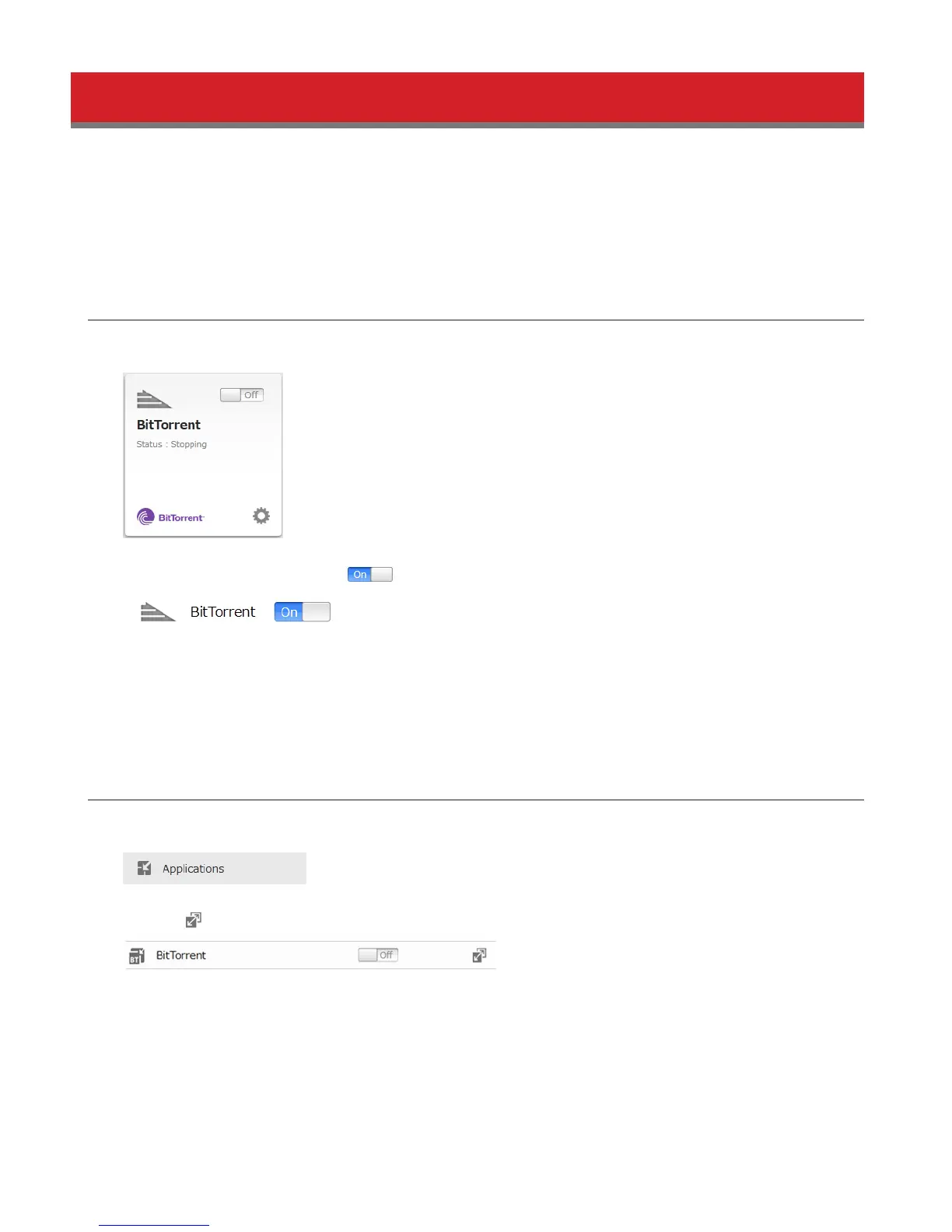
1 Click BitTorrent.
2 Move the BitTorrent switch to the position to enable BitTorrent.
3 Select the shared folder to save files downloaded via BitTorrent from the drop-down list, then click Apply.
4 Go back to home and click BitTorrent to open the download manager. The default username is “admin” and the
default password is blank (no password).
Configuration from Advanced Settings
1 Click Applications.
2 Click the icon to the right of “BitTorrent”.
3 Click Edit.
4 Click Browse.















 To Next Page