53
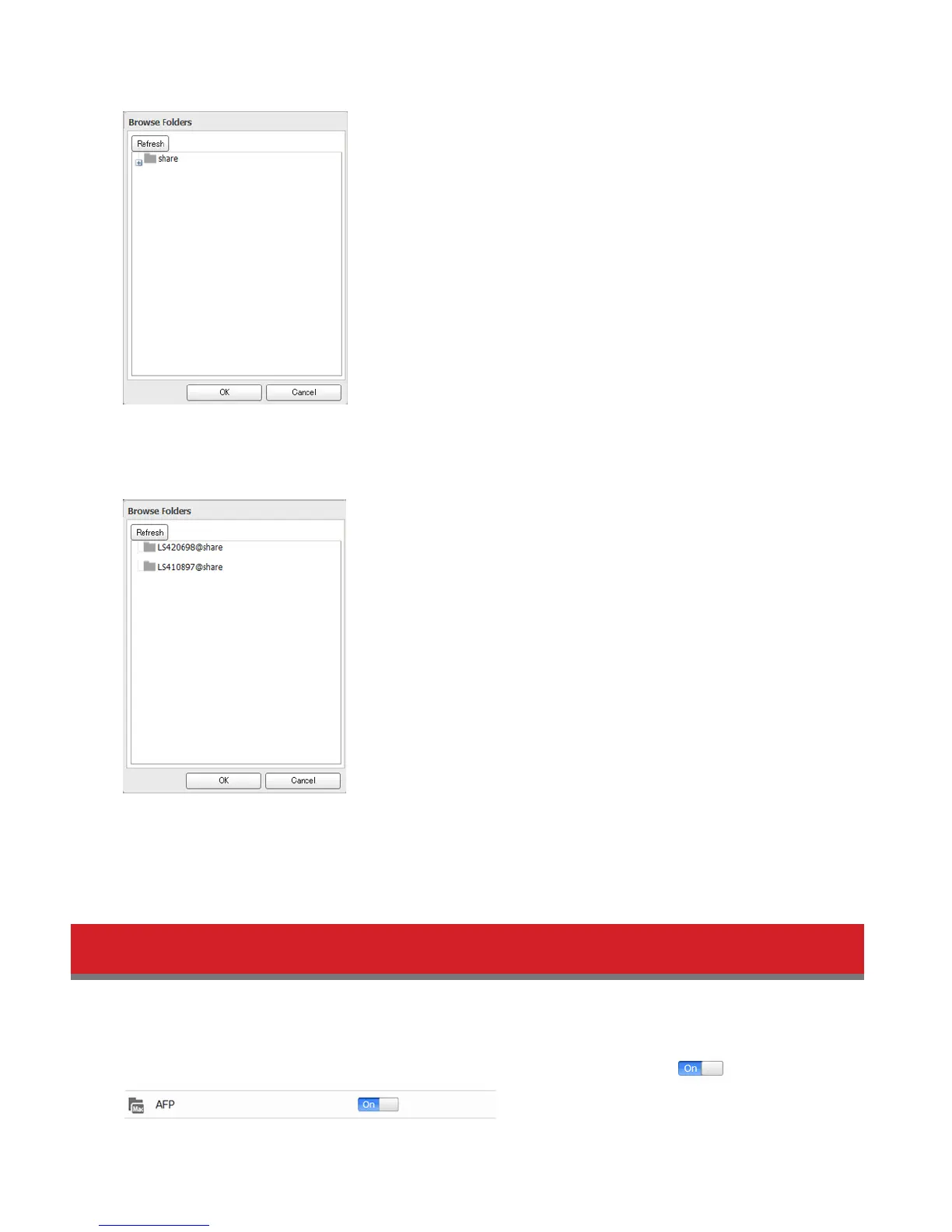
7 Select the shared folder that will be the backup source, then click OK.
8 Click Browse under “Backup Target Folder Name”.
9 Select the backup target and click OK.
10 Click OK.
Tasks added to “Backup List” are displayed.
11 Click Close.
Backing Up Your Mac with Time Machine
Time Machine is a backup program included with OS X 10.5 or later. Configure your LinkStation as shown to use Time
Machine.
1 Make sure that AFP is enabled in Advanced Settings. The AFP switch should be in the position.















 To Next Page