52
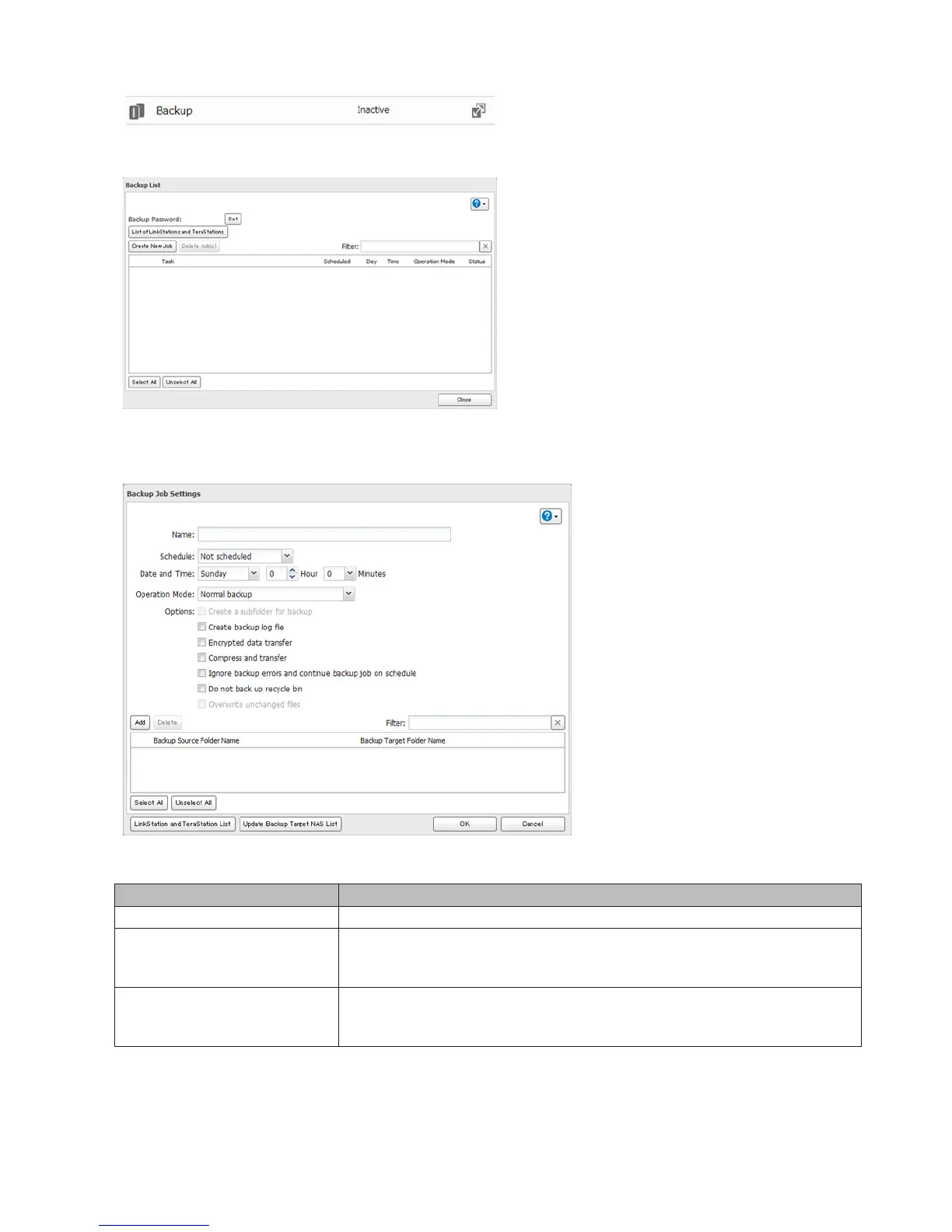
3 Click Create New Job.
Note: Up to 8 backup jobs can be configured.
4 Select backup settings such as date and time to run.
Note: The following types of backup jobs may be selected:
Type Files Included
Normal backup All files in the source will be backed up to the destination.
Overwrite (incremental)
The first time the backup job runs like a normal backup. In subsequent
backups, files added to the source as well as files deleted from the source are
kept in the backup folder.
Overwrite (differential)
The first backup job runs like a normal backup. As each additional backup
job runs, files are added to and deleted from the backup folder. The backup
destination folder is always the same size as the backup source folder.
5 Click Add.
6 Click Browse under “Backup Source Folder Name”.















 To Next Page