14
Refer to “DLNA” for more details.
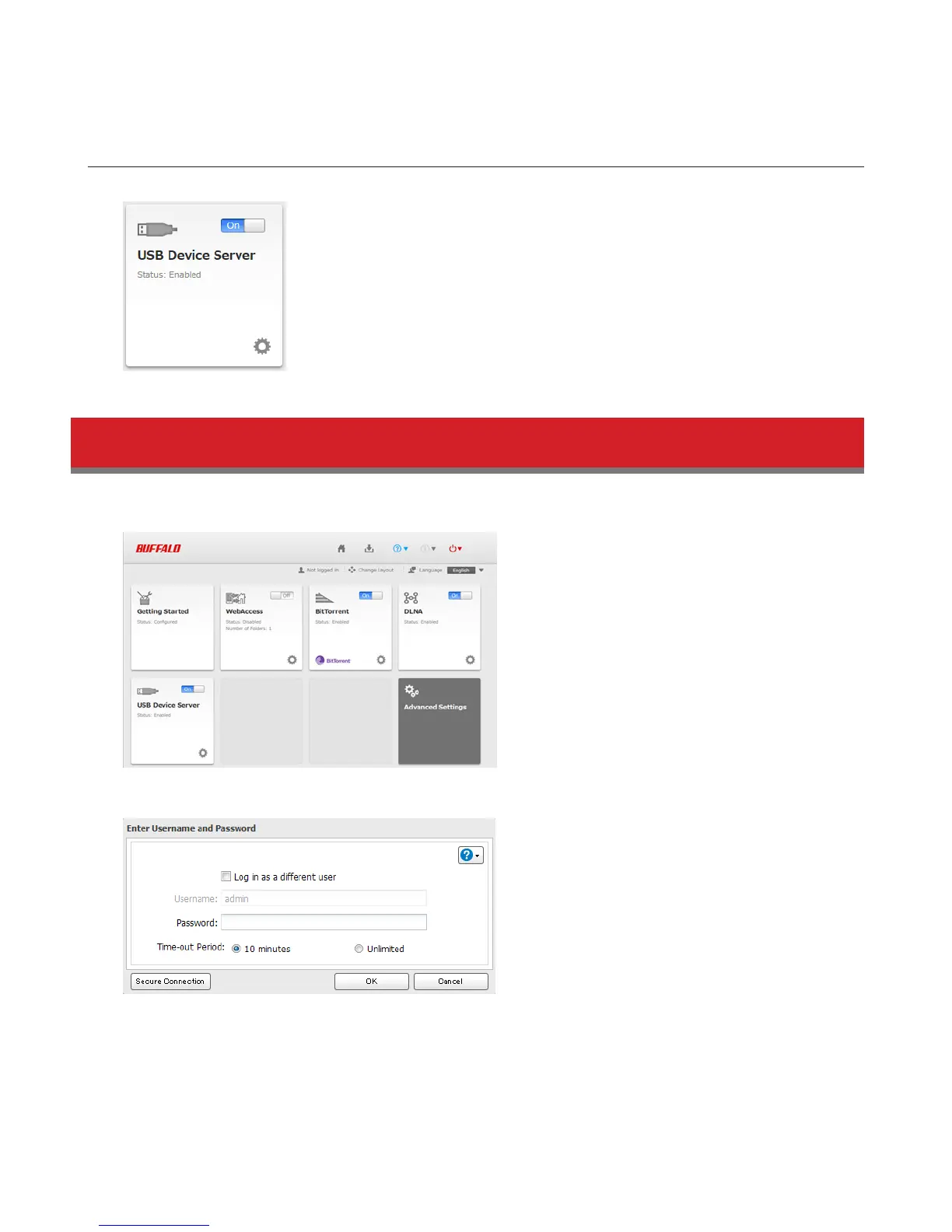
USB Device Server
Configure USB device server options.
Refer to “USB Device Server” for more details.
Opening Advanced Settings
1 Click Advanced Settings in Easy Admin.
2 Enter the administrator username and password, then click OK.
3 The Advanced Settings screen will open.















 To Next Page