32
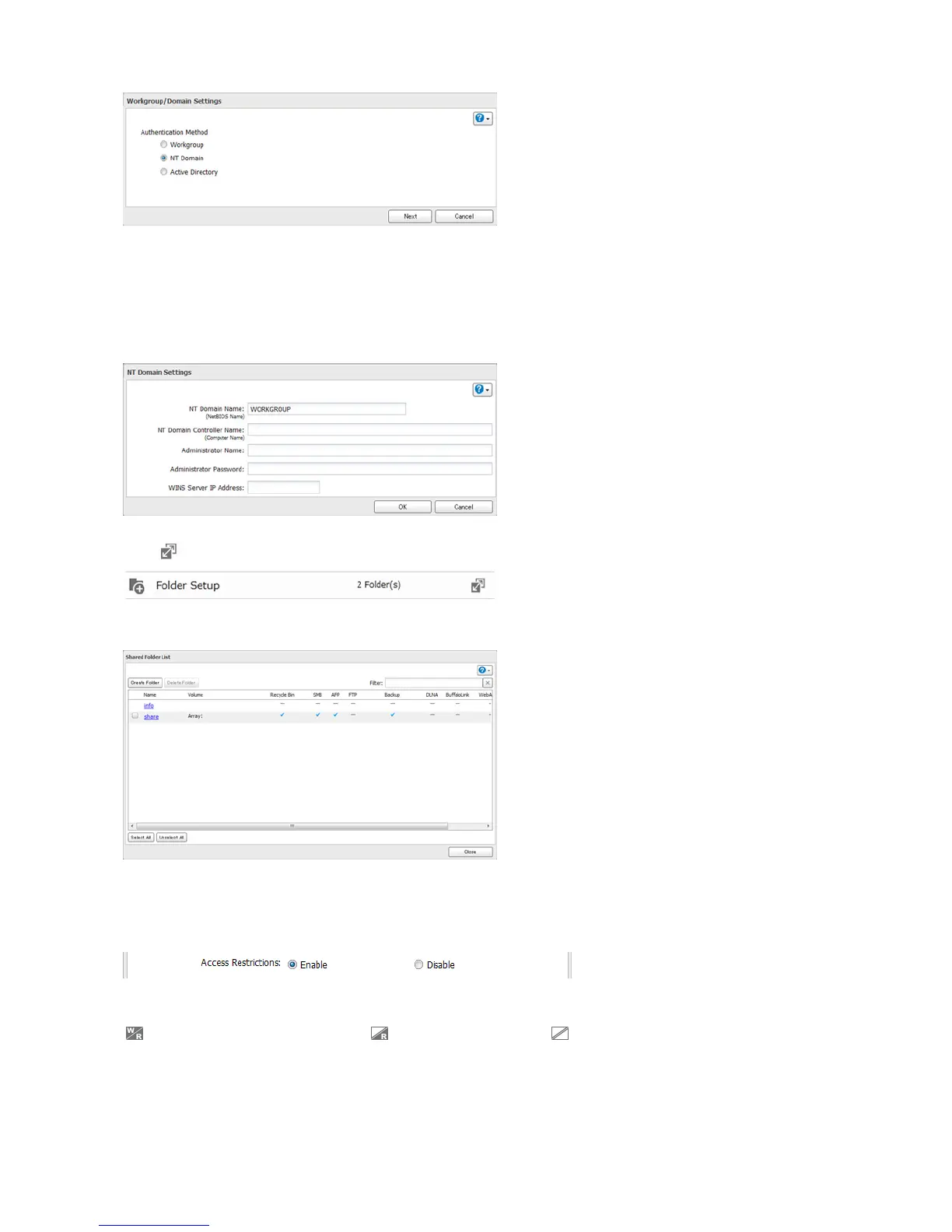
Note: To use Active Directory from Windows 2000 or Windows Server 2003, select “Active Directory” instead of “NT
Domain”.
6 Click Yes.
7 Enter settings and click OK.
8 Click to the right of “Folder Setup”.
9 Click a shared folder for which you want to set access restrictions.
10 Click Edit.
11 Enable “Access Restrictions”.
12 Select the level of access for “Domain Users” or “Domain Groups” you added.
: Read and write access allowed : Read access allowed : Access prohibited
13 Click OK.















 To Next Page