47
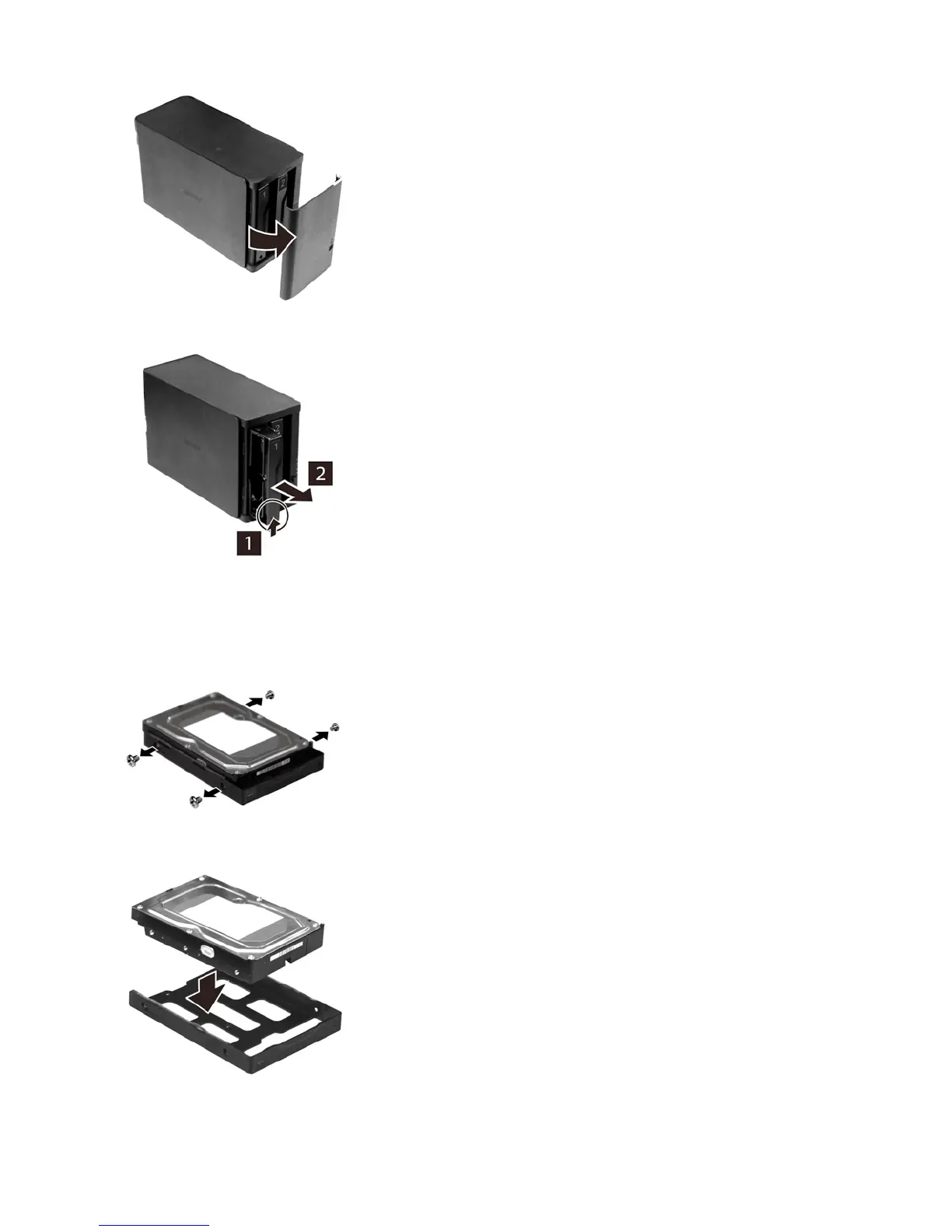
3 Push the failed drive’s cartridge up and remove it from the LinkStation.
Notes:
• Do not press hard on the top of the LinkStation.
• Pull the drive straight out the front of the chassis.
4 Remove the drive from the cartridge.
5 Install a new Buffalo OP-HD/LS series drive in the cartridge.
6 Replace the four screws.















 To Next Page