50
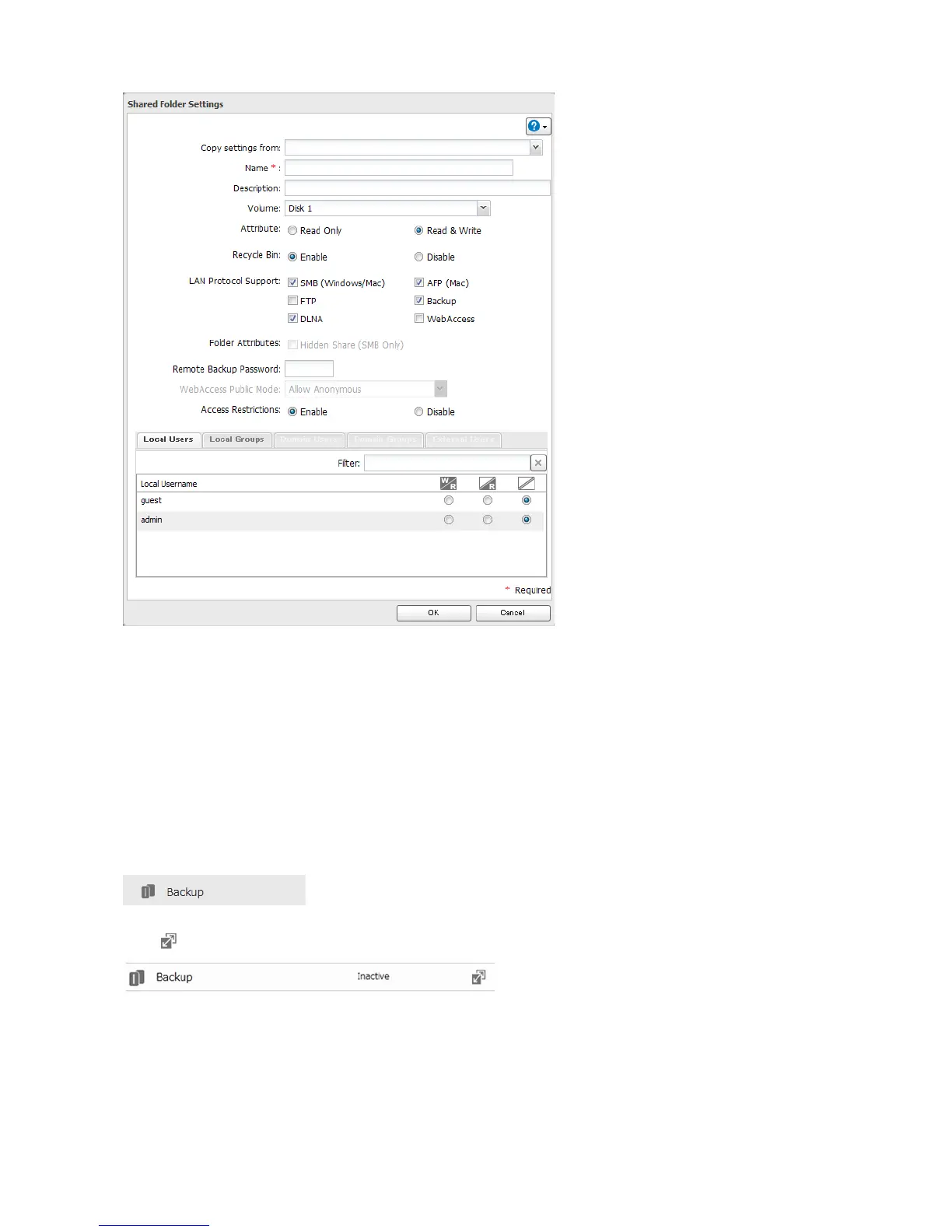
Note: To configure a password, enter it in the “Remote Backup Password” field. Leave this field blank if you don’t
want a password. If the target device is configured with a backup password, you can easily find the backup target
folder during configuratin of the backup job by searching for the password.
Backing up to a LinkStation or TeraStation on another network when connected by a
VPN
You can back up to a LinkStation or TeraStation on another network as long as the two networks are connected by a
VPN. Follow this procedure to enter the IP address or hostname of the target LinkStation or TeraStation.
1 In Advanced Settings, click Backup.
2 Click to the right of “Backup”.
3 Click List of LinkStations and TeraStations.















 To Next Page