68
USB Device Server in Advanced Settings. You’ll need administrator privileges to install the software.
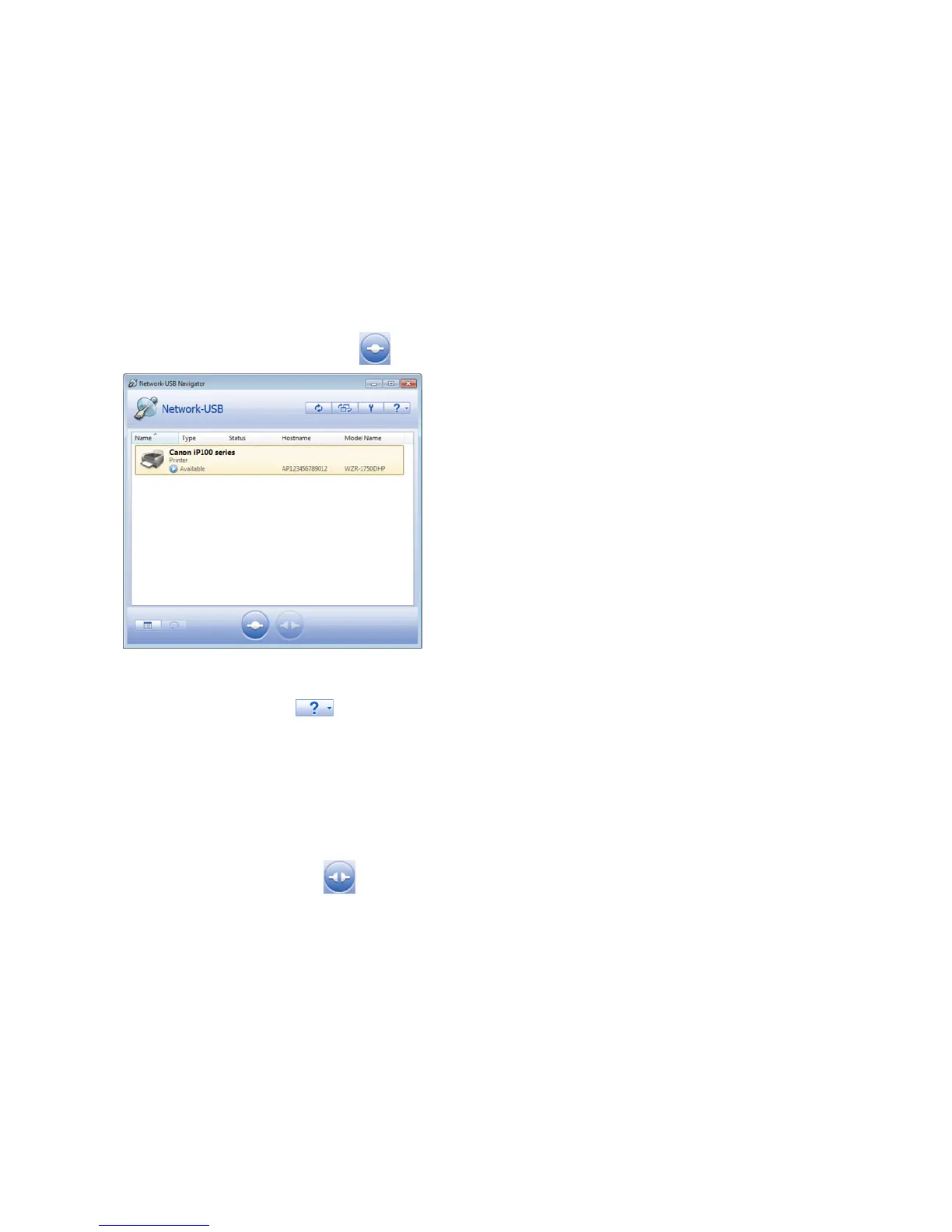
Connecting with Network-USB Navigator
1 Launch Network-USB Navigator.
For Windows:
Navigate to (All) Programs - BUFFALO - Network-USB Server, then click Network-USB Navigator. On Windows 8, click
Network-USB Navigator from the start screen.
For Mac:
Navigate to Macintosh HD - Applications - BUFFALO - Device Server - Network-USB Navigator.
2 Select the USB device, then click the button to connect.
3 The selected USB device will install automatically.
Refer to the help by clicking the button for more details about the software.
Notes:
• Only one computer can access the USB device at a time.
• Disable the DLNA protocol if using USB device server.
Disconnecting USB Devices
Select the USB device, then click the icon to disconnect. Make sure that no one else is using the USB device before
disconnecting it.















 To Next Page