SECTION 2 - OPERATION
2-65
3. Service Interval One Reset
Follow this procedure after the Electronic
Instrument Control System has notified you
that service interval one should be performed.
Go through the scheduled service and then
reset the accrued hours to z ero.
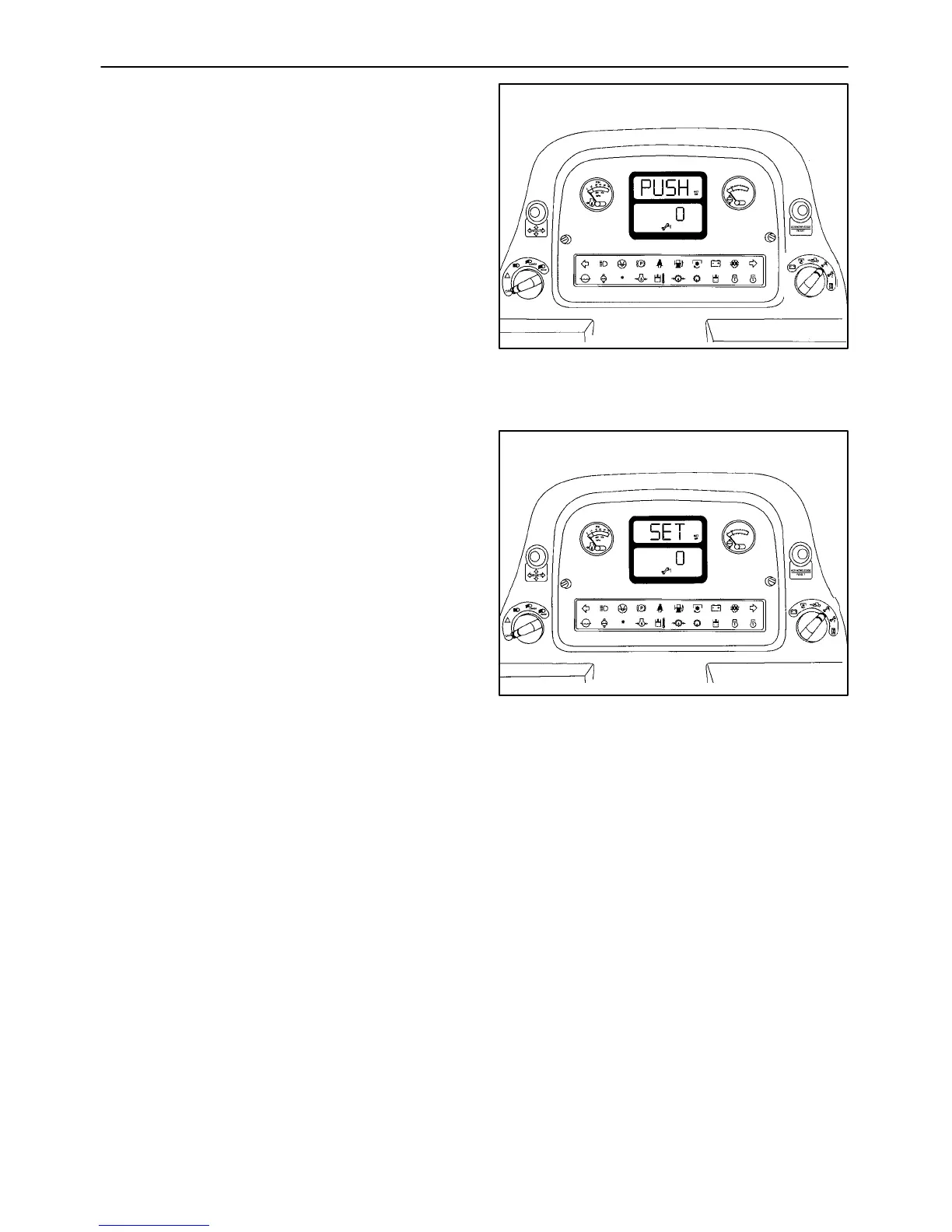
A. The upper portion of the monitor will flash
“PUSH,” “RE,” and “SET” along with
displaying “SET UP.” The bottom portion
will show the c urrent hour meter reading
accrued since the last service interval one
reset.
Figure 2-95
B. Press the acknowledge/reset button once.
The upper portion of the monitor will flash
“RE” and “SET” along with displaying “SET
UP.” The bottom portion of the display will
show zero and has been reset. The
monitor will now begin to recount the hours
accumulated for the next service interval
one.
If no further calibration is needed, turn the
ignition to the “OFF” position. If further
calibration is needed in other areas, select
the area to be calibrated with the rotary
select switch and proceed as detailed for
that switch position.
Figure 2-96



 To Next Page