SECTION 2 - OPERATION
2-69
7. Setting the Final Drive Ratio
NOTE: This value is set when the machine
is built. It does not require operator setup,
and should never be changed.
Instructions are provided here only in the
event the value was inadvertently
changed.
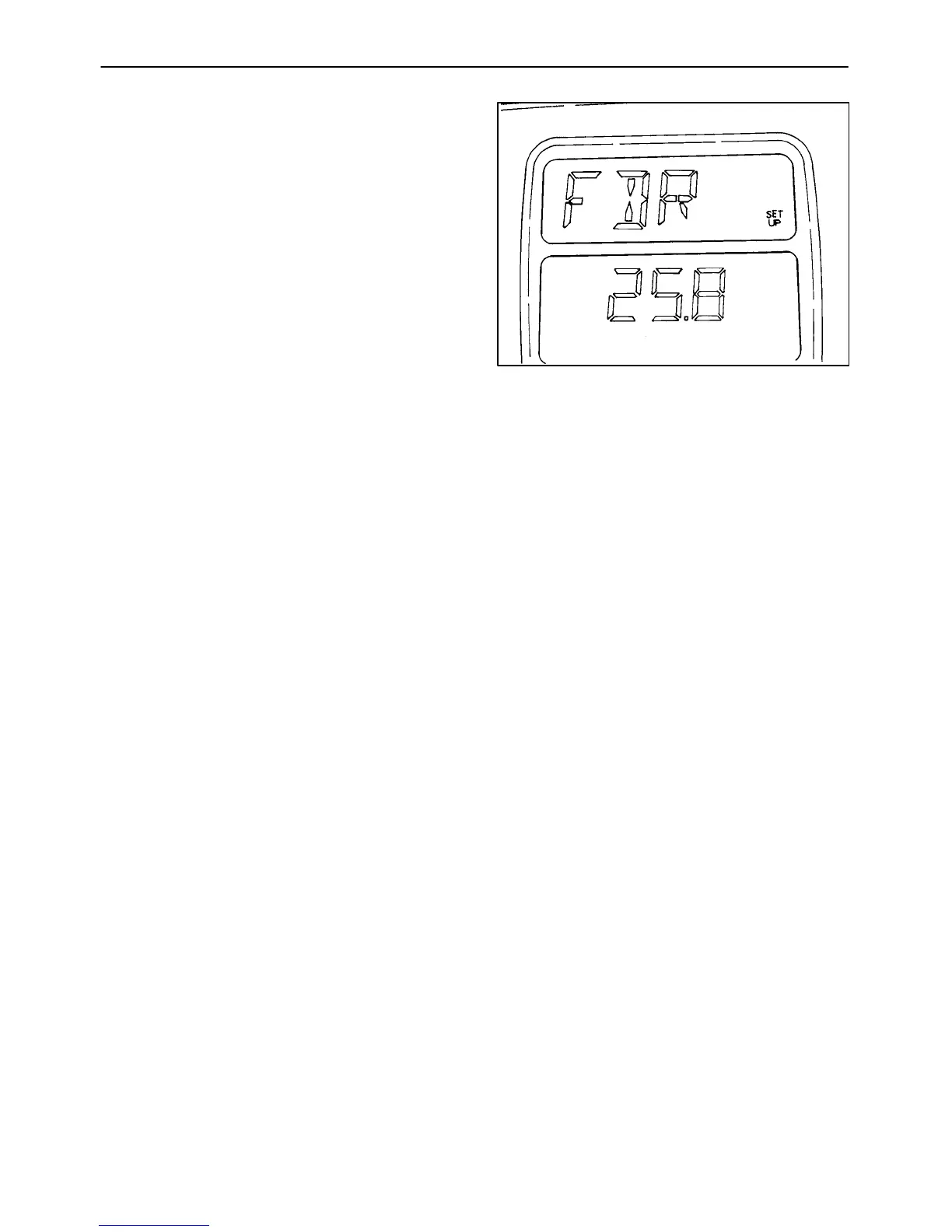
A. The upper portion of the monitor will flash
“FDR” and “SET,” with “SET UP”
displayed when the calibration mode is
first entered. The lower portion of the
display will have the number displayed
with the tenth digit (0.1) flashing.
B. The final drive ratio should be set at 25.8.
C. To place the correct value into the monitor,
use the digit select switch to select the
necessary numbers. The monitor will
accept a value of 25.8.
D. Push the acknowledge/reset button to
enter the value into the monitor’s memory.
The display will now go to “Setting the
Transmission Output Shaft Gear Profile.”
If no further calibration is needed, turn the
ignition switch to the “OFF” position. If
further calibration is needed in other
areas, select the area to be calibrated with
the rotary select switch and proceed as
detailed for that switch position.
Figure 2-101


 To Next Page