43
Adjustment and functions
Tab. 1 : Response times of the current output and the display
depending on the filter chosen
Filter N° Response time (10% up to 90%)
0 300 ms
1 1,5 s
2 3 s
3 (by default) 5 s
4 7 s
5 11 s
6 20 s
7 38 s
8 100 s
9 200 s
9.5.6. Entering the flow rate range related
to the bar graph
ENTER
0......9
*
0......9
*
ENTER ENTER
BRGR
0.200
BGLO
1.000
BGHI
To function "BKLG"
* to move the decimal point, simultaneously press keys
0......9
and
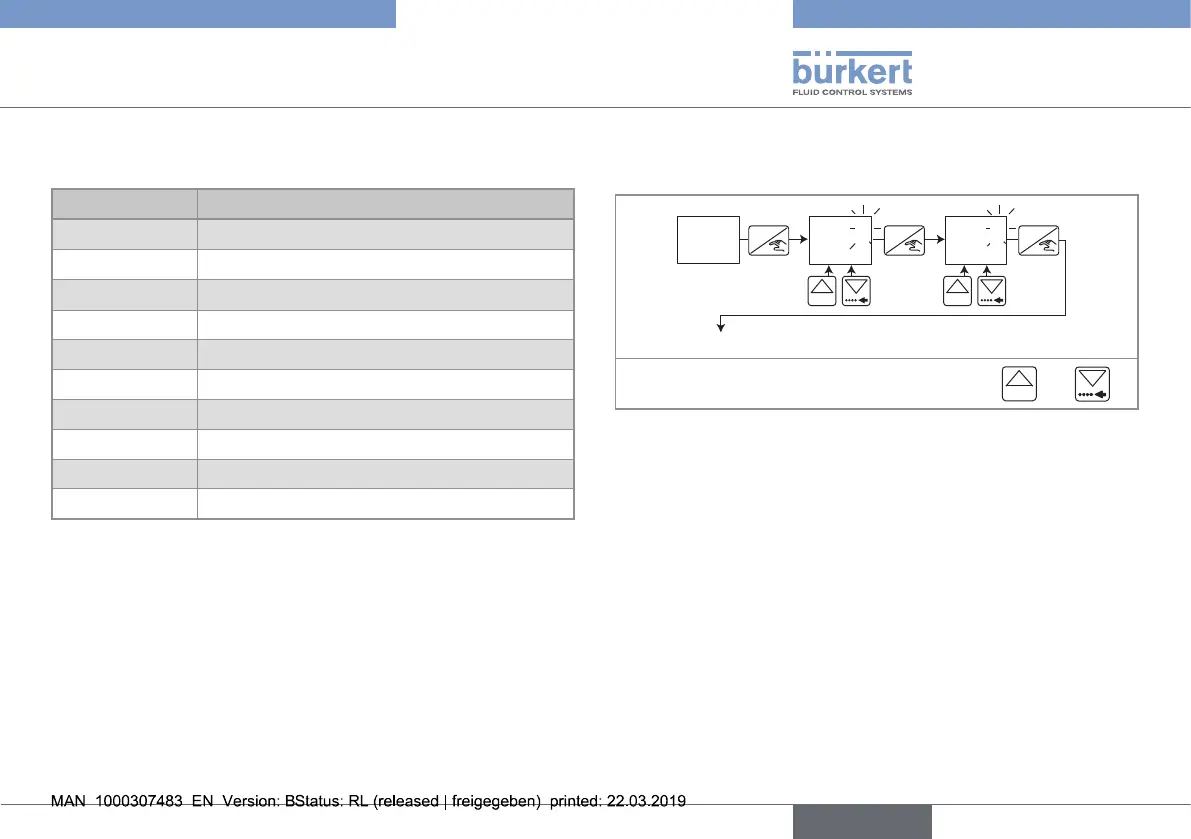
Set the min. and max. flow rate values, in the unit chosen within the
"UNIT" function, related to the bar graph:
• BGLO is related to the flow rate value for which all the bar graph
segments are out.
• BGHI is related to the flow rate value for which all the bar graph
segments are on.
English
Type 8032 - SE32



 To Next Page