47
Adjustment and functions
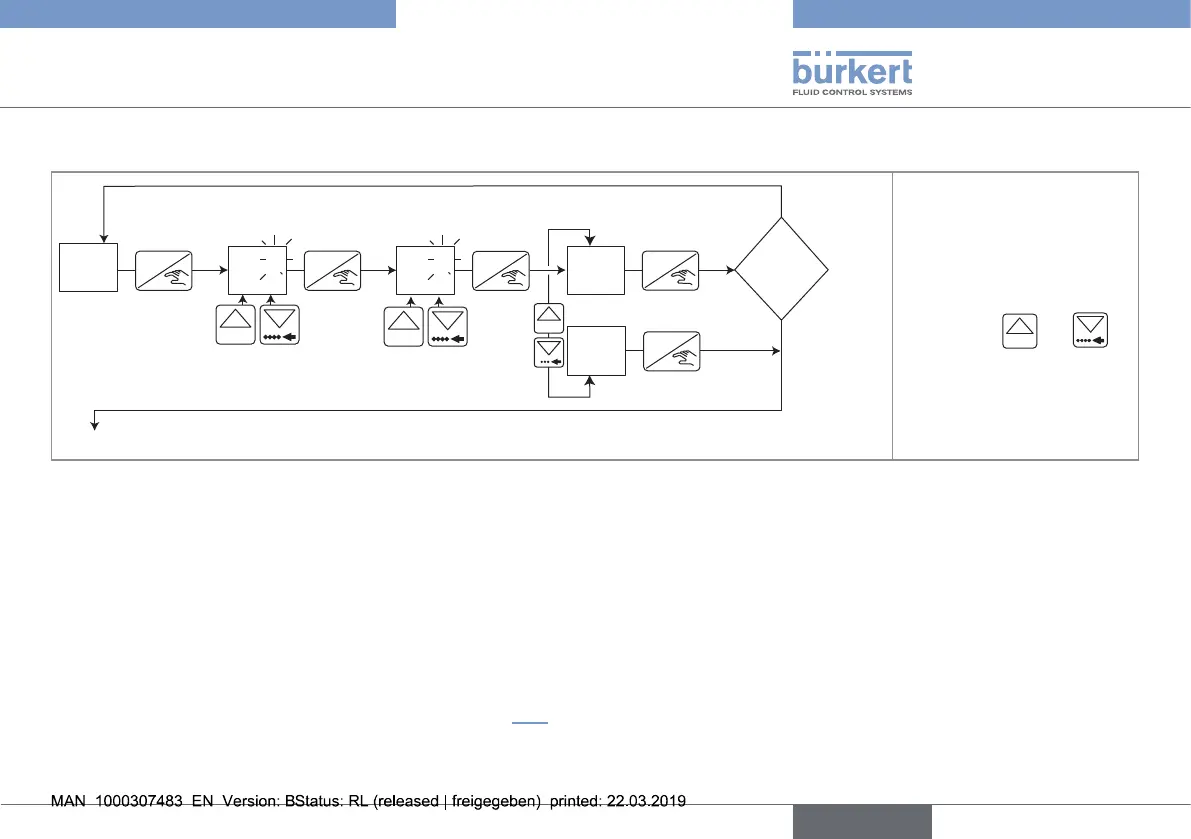
9.6.1. Adjusting the 4...20 mA output
0......9
ENTER ENTER
ENTER
*
0......9
*
0......9
ENTER
ERR 11 ?
ENTER
MA
To the function "END" of the Test menu
3.95
OFFS
20.50
span
YES
MA
NO
MA
no
yes
* to move the decimal point, simultane-
ously press keys
0......9
and
• When the function "OFFS" is displayed, the device gives a 4-mA-current.
→ Measure the current given on the 4...20 mA output using a multimeter.
→ Enter this value in the function
OFFS . The permitted offset range is 3 to 5 mA.
→ Press ENTER to confirm.
• When the function "SPAN" is displayed, the device gives a 20-mA-current.
→ Measure the current given on the 4...20 mA output using a multimeter.
→ Enter this value in the function
SPAN. The permitted span range is 18.5...21.5 mA.
→ Confirm or do not confirm the values entered by choosing "
YES MA " or "NO MA". When the message "ERR11" is displayed, at least one of the
values entered is outside the permitted range: see chap. 10.3.
English
Type 8032 - SE32



 To Next Page