44
Adjustment and functions
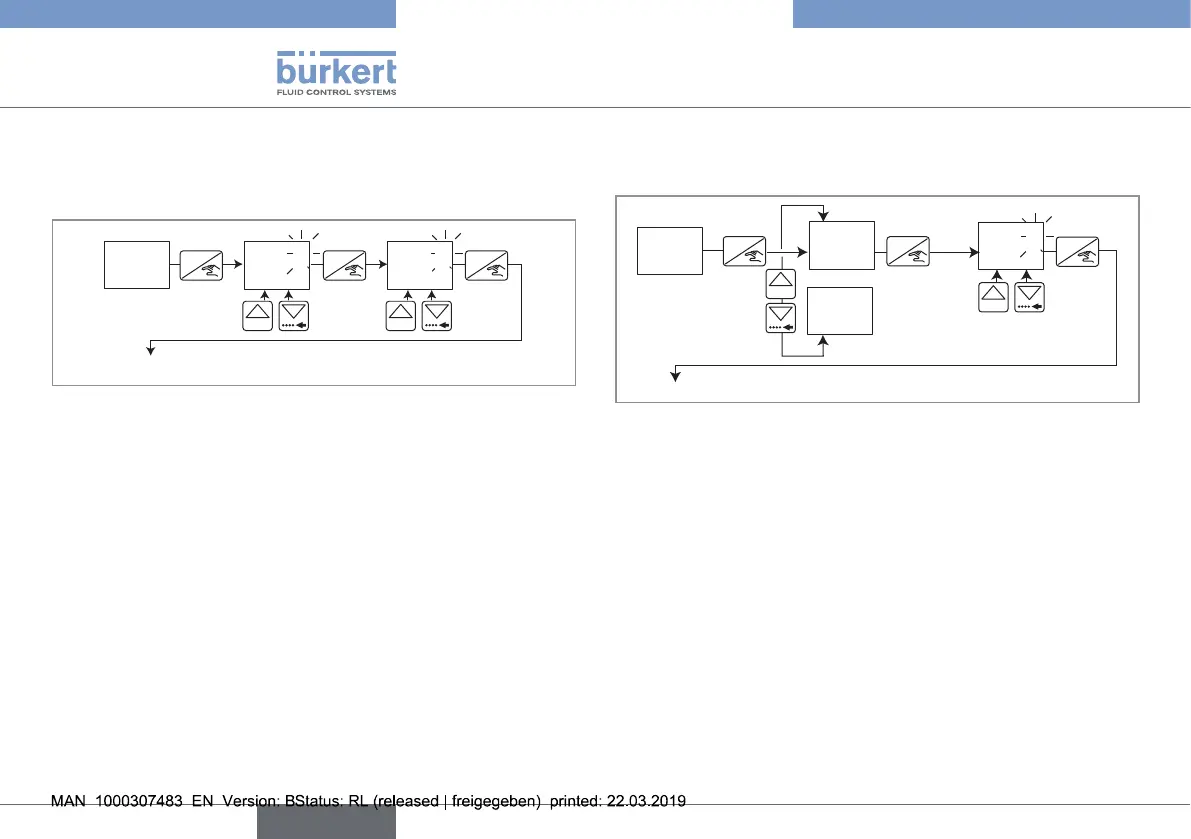
9.5.7. Adjusting the brightness of the
backlight or deactivating the
backlight
ENTER
0......9 0......9
ENTER ENTER
BKLG
5
BKLG
0
BDEL
To function "CODE"
• Function "BKLG": to deactivate the backlight (choice "0") or to
choose its intensity (choice "1" to "9").
• Function "BDEL": to have the backlight permanently activated
(choice "00") or have it on for a constant duration (between "01"
and "99" seconds) after a key press.
9.5.8. Activating and defining the access
code to the Configuration level
0......9
ENTER
ENTER
ENTER
0......9
CODE
ON
CODE
OFF
CODE
0000
CODE
To function "END"
• Function "CODE ON": the access code to the Parameters and
Test menus is required. Enter a 4-digit code.
• Function "CODE OFF": the access code to the Parameters and
Test menus is not required.
English
Type 8032 - SE32



 To Next Page