56
Operating and commissioning
Type 8228
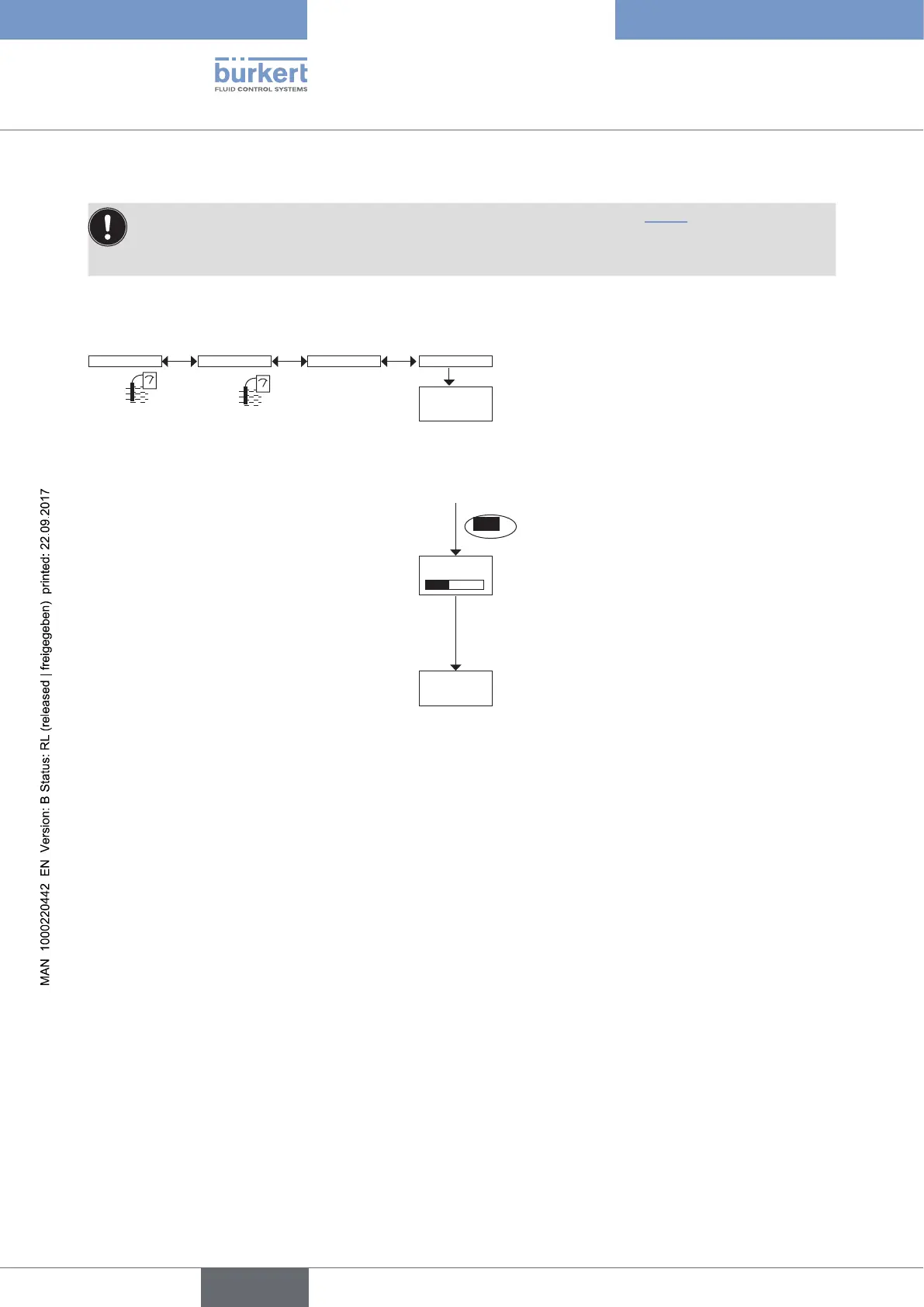
Calibrate the zero point of conductivity (function "Zero Calib." of the menu "Probe")
• In order not to interrupt the process, activate the HOLD function (see chap. 9.12.1).
• Before each calibration, fully clean the conductivity sensor with a special cleaning agent, then rince and
dry.
If the value of air conductivity measured is higher than 10 µS/cm, readjust the device, holding the sensor in the air
(zero point of conductivity of the device).
Calib Sensor Probe Zero Calib.
Calibrate Zero
Point?
Processing
Save modified
data?
The device automatically calibrates the
zero point of conductivity in less than 1
second.
→ Put the cleaned and dried conductivity sensor in
contact with the ambient air.
YES
→ Save or not the calibration result by
choosing "Yes" or "No".
English



 To Next Page