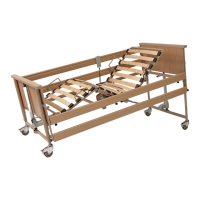
Instruction Manual for Lenus Care Bed
Page 42
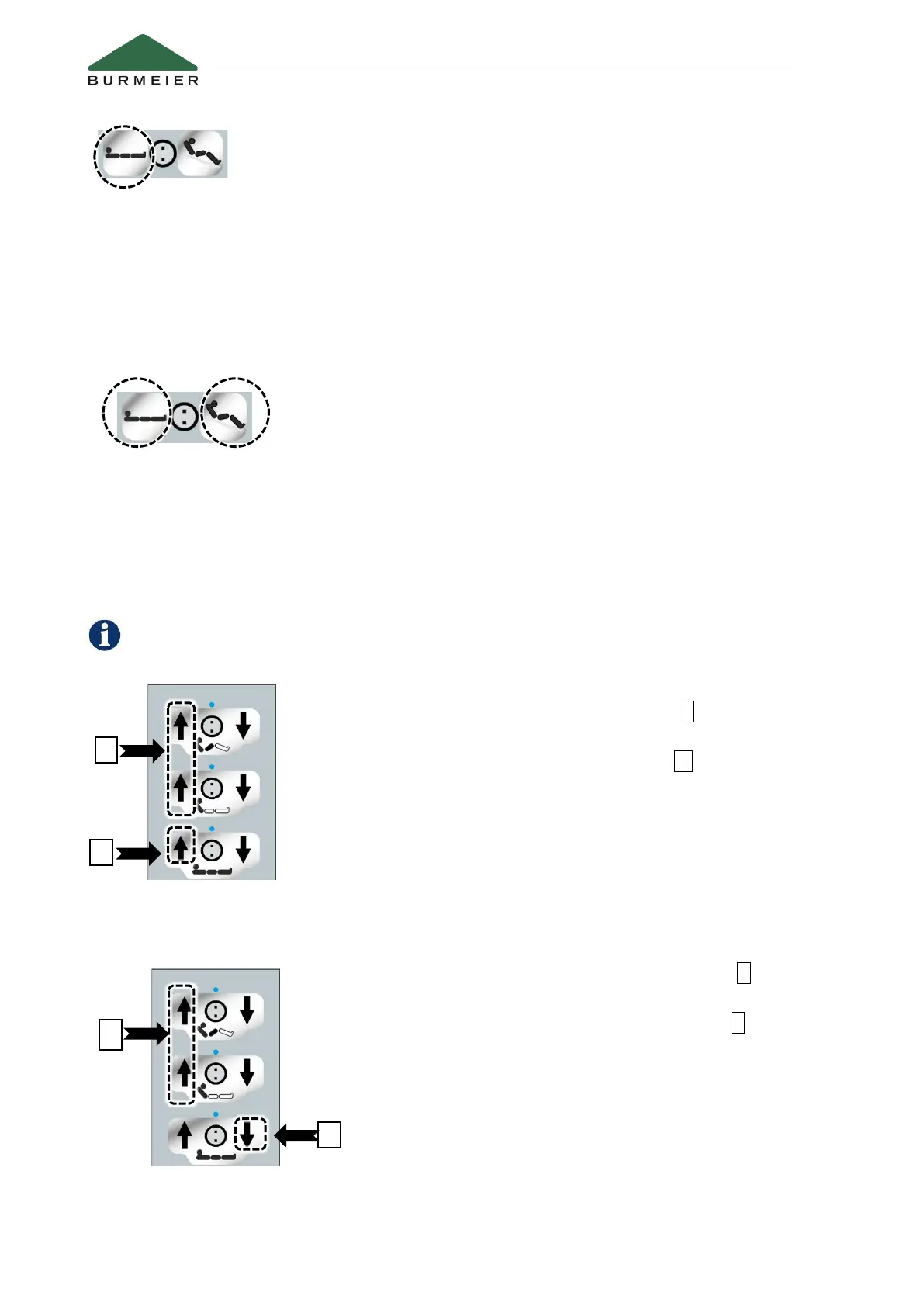
Sleep position
If this button is kept pressed, the mattress base is adjusted to the following
positions in turn in the following order:
1. To a horizontal position
2. The backrest is lowered immediately – the thigh rest follows after a delay of
9 seconds
3. To the “intermediate stop” position (pre-set to approx. 40 cm).
4.4.2.2 Special functions
Switch the under bed light on/off * (optional equipment)
- Standard setting: the LED under bed light is active when
connected to the mains power supply
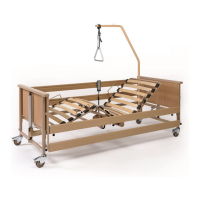
- To switch the light on or off manually, press the “Sleep
position” button and the “Sitting position” button at the same
time and keep them pressed for approximately 1 second.
- For more details, see chapter 4.5.2.
4.4.2.3 Saving a new “intermediate stop” position
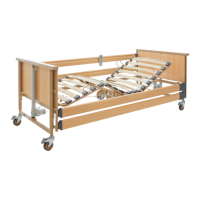
A new position can only be saved if the mattress base is in a horizontal position.
- Adjust the mattress base to the desired minimum height.
- On the handset, simultaneously press both A buttons briefly
three times in a row
- Then immediately afterwards press button B .
As soon as the new position has been saved, a short signal tone
sounds to confirm the change.
4.4.2.4 Resetting the “intermediate stop” position to the factory default setting
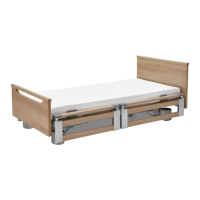
- On the handset, simultaneously press both A buttons
briefly three times in a row
- Then immediately afterwards press button C for about 5
seconds until the pulsating signal tone stops.


 To Next Page