Programmable HV Power Supply
Revision 19
n
CAEN
T o o l s f o r D i sc o v e r y
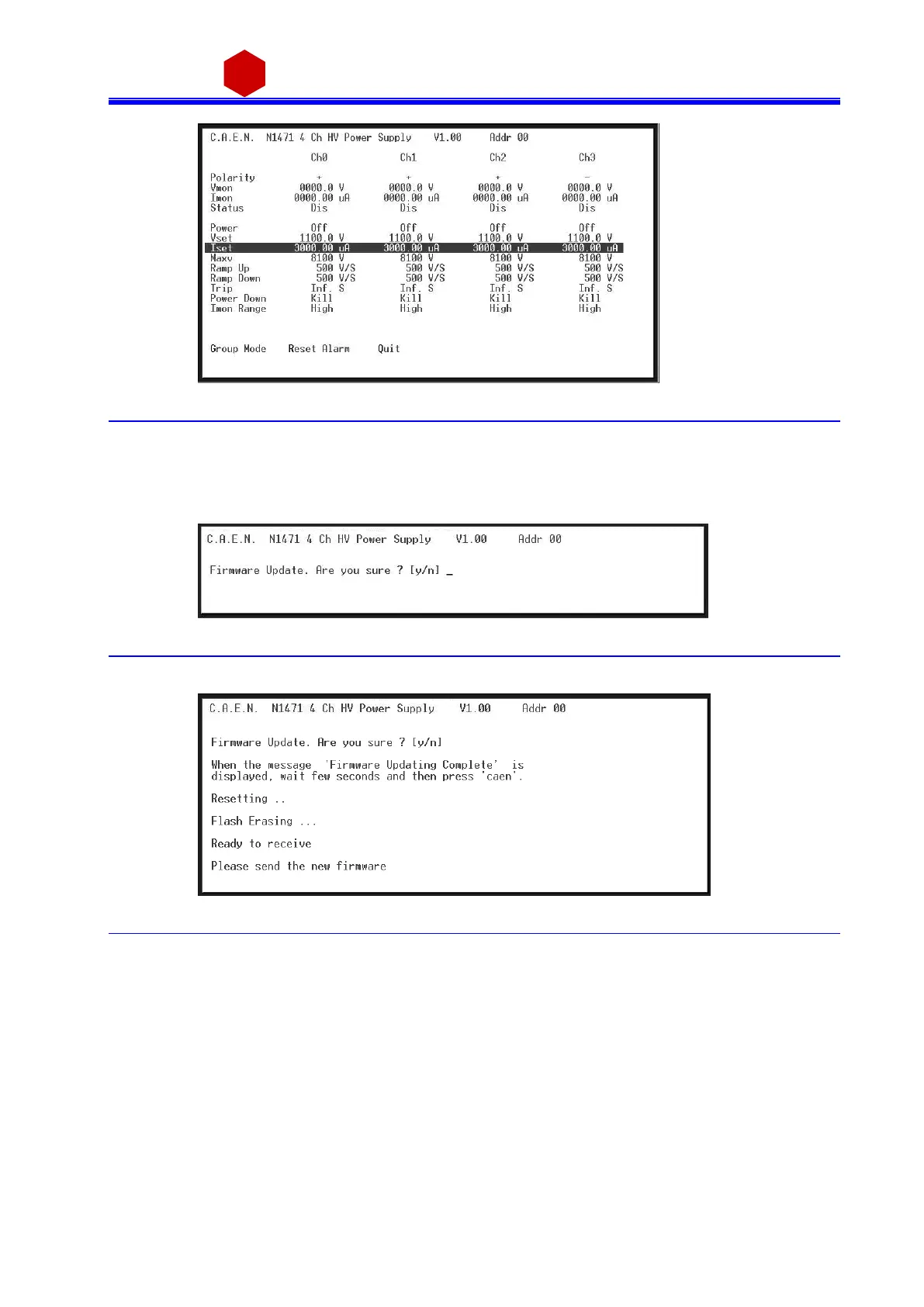
Fig. 3.37: Channels group setting
Type Q to exit the Menu.
3.4.2.4 Remote Control: firmware upgrade
By typi ng U i t is poss i bl e to access the firmwa re upgrade menu:
Fig. 3.38: Firmware Upgrade Menu/1
If <y> is typed, then the followi ng menu is s hown:
Fig. 3.39: Firmware Upgrade Menu/2
At this poi nt it is necess a ry to uploa d the updated fi rmwa re.
If "HyperTerminal" is used it is necessary to perform "Transfer" a nd "Send Text File" operations by selecting the
fi le "N1471.xxx"



 To Next Page