Programmable HV Power Supply
Revision 19
n
CAEN
T o o l s f o r D i sc o v e r y
3.4.2.5 Remote Control: format EEPROM
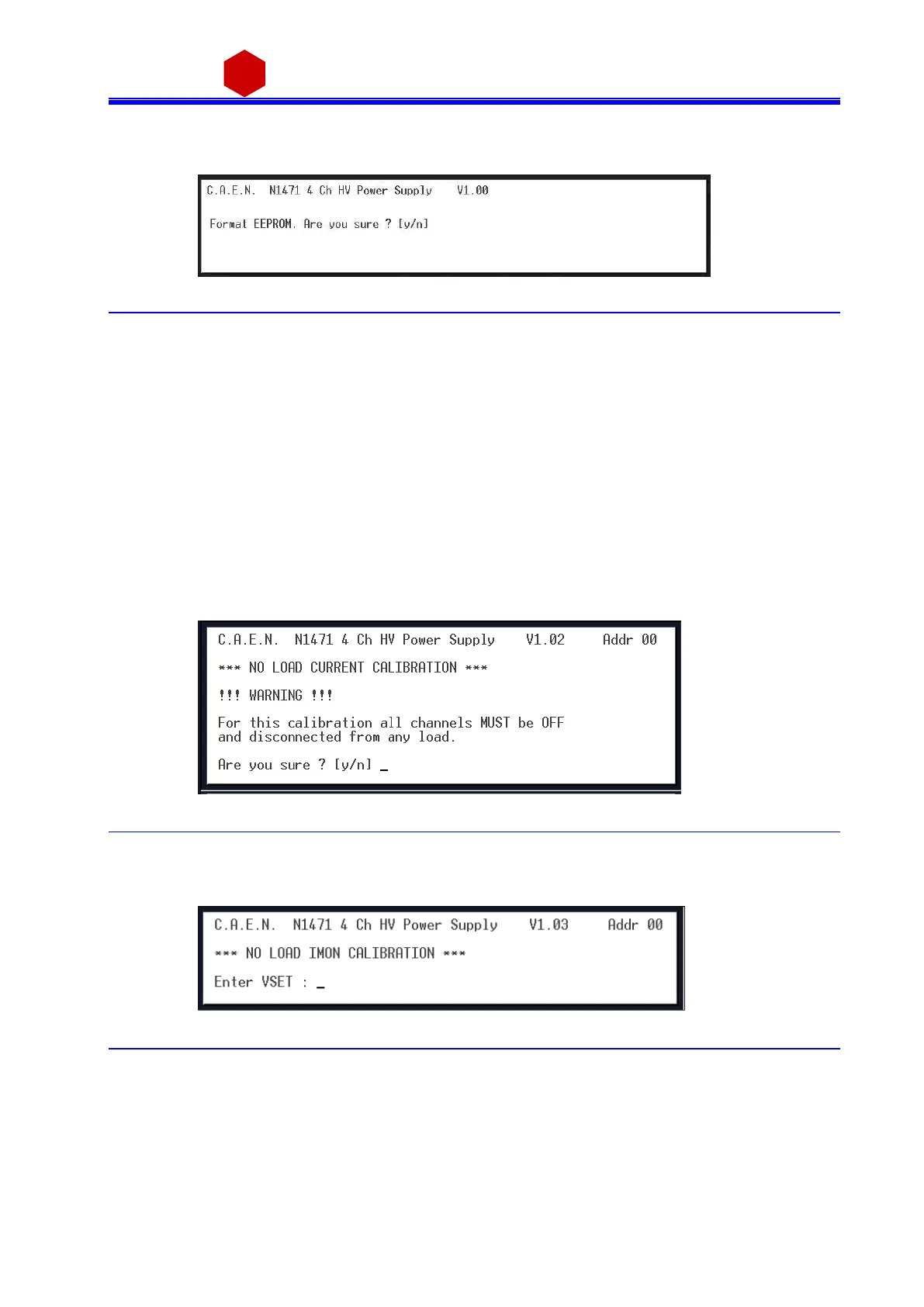
By typi ng F it i s possi ble to a ccess the forma t EEPROM menu:
Fig. 3.40: Format EEPROM Menu
After the FORMAT command, all the channels have the following s ettings:
Vs et = 0 V
Iset = 31.0 µA
Ramp Up / Down = 50 V/s
Trip = 10 s
MaxV = 5600 V
Power Down = Kill
Modul e setting:
Interlock Mode = Acti ve CLOSED
3.4.2.6 Remote Control: Current offset calibration
By typi ng O it i s possible to perform the current offset calibration (the calibra ti on mus t be performed after
30mi nutes operation at least); it is necessary to perform a calibration a nytime externa l operati ng conditions
cha nge; the followi ng instructions are di splayed:
Fig. 3.41: Current offset calibration warning
Once channels are off a nd disconnected from the load, type y; a t this point the program as ks for the current
va l ue (VSET) s elected for the offset compensation, such value is common to all channels; factory cali bra ti on is
performed at 1000V, type VSET then press <ENTER>
Fig. 3.42: Current offset calibration VSET selection



 To Next Page