Programmable HV Power Supply
Revision 19
n
CAEN
T o o l s f o r D i sc o v e r y
4 Internal Settings
4.1 Polarity selection
The output polarity is independently selectable for each channel. Note that the polarity is
indicated by two LEDs for each channel on the front panel.
In order to change the polarity:
Wear Antistatic Gloves
Switch off the unit
Wait for the complete discharge of the capacitors.
Lay down the unit, right side up
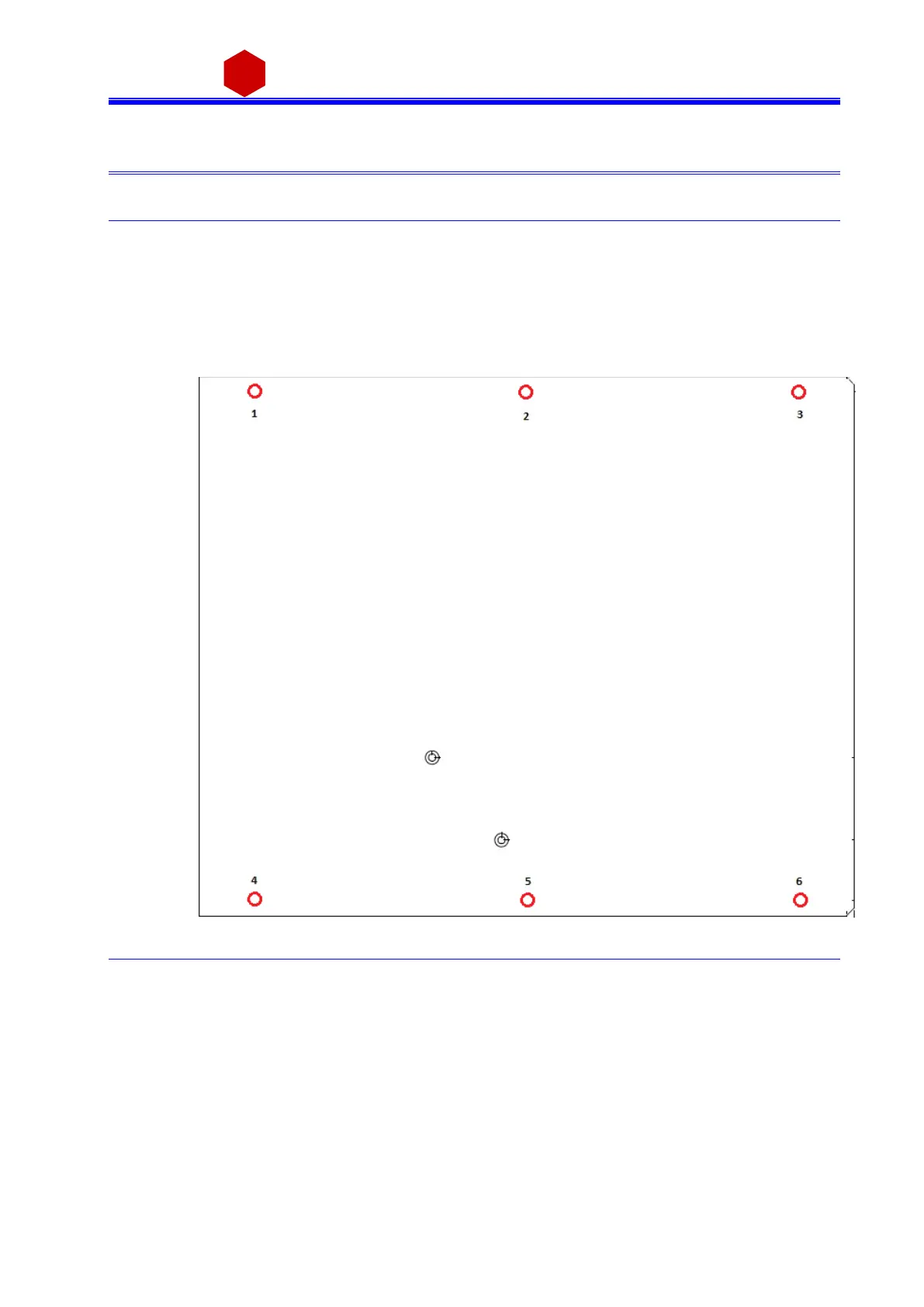
Remove screws 1, 2, 3, 4, 5, 6, see figure (red):
Fig. 4.1: Side cover removal instructions
Lift the side cover gently
At this point it is possible to change the channel polarity: refer to the following figure
(the blue arrow indicates diode bridge box placed to configure channel as
POSITIVE).
During this operation pay attention not to bend the pins, as they are plugged
completely in their sockets



 To Next Page