103
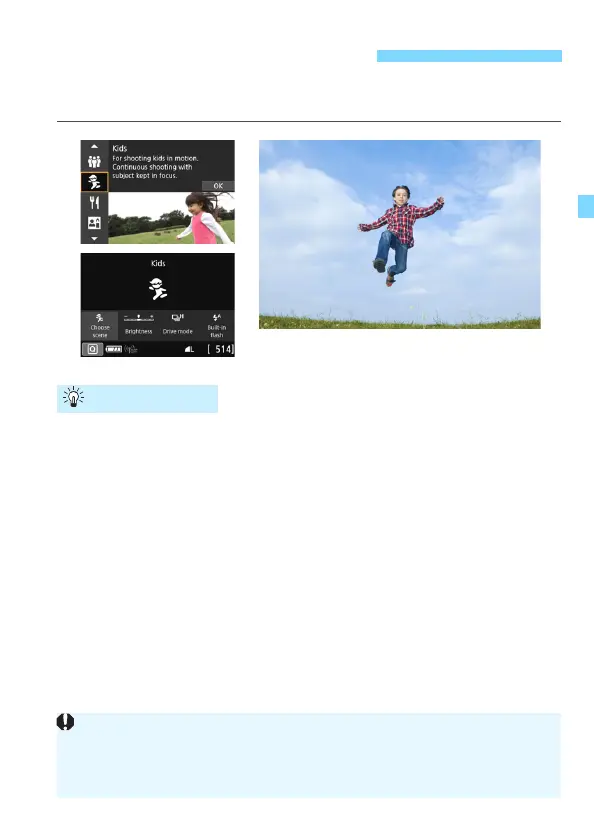
When you want to continuously focus on and photograph children
running around, use <C> (Kids). Skin tones will look healthy.
Track the subject with the Area AF frame.
Press the shutter button halfway to start autofocusing in Area AF
frame. During autofocusing, the beeper will continue beeping softly.
If focus cannot be achieved, the focus indicator <o> will blink.
Shoot continuously.
The default setting is <o> (High-speed continuous shooting
*
). At
the decisive moment, press the shutter button completely to take the
picture. If you keep holding down the shutter button, you can shoot
continuously while maintaining autofocusing to capture changes in
the subject’s facial expression and movement.
* Viewfinder shooting: max. approx. 6.0 shots/sec., Live View shooting: max.
approx. 4.5 shots/sec.
C Photographing Children
Shooting Tips
While the flash is recharging, “buSY” is displayed in the viewfinder and
on the LCD panel, and a picture cannot be taken. Take the picture after
this display turns off.
See the cautions on page 109.



 To Next Page