181
3 Correction of Lens Aberrations due to Optical CharacteristicsN
1
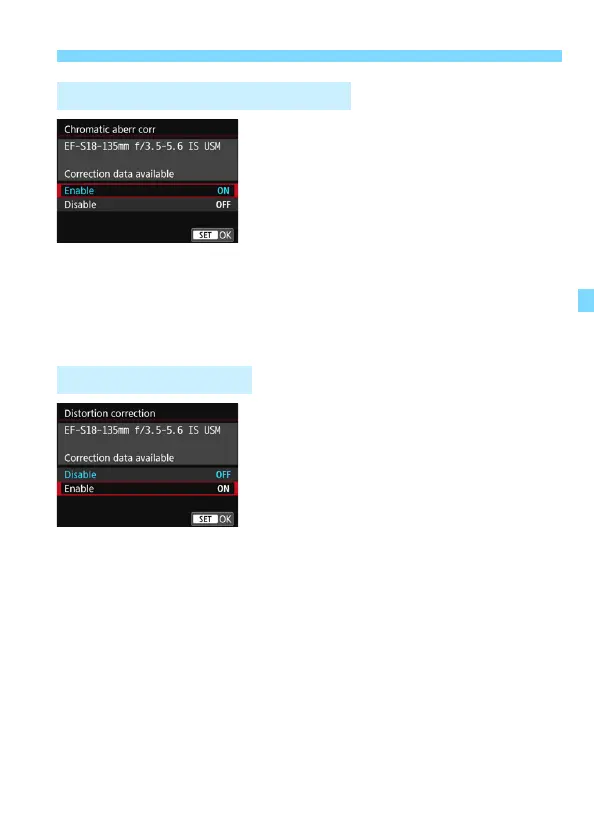
Select [Chromatic aberr corr].
2
Select [Enable].
Check that [Correction data
available] is displayed for the
attached lens.
Select [Enable], then press <0>.
3
Take the picture.
The image will be recorded with the
chromatic aberration corrected.
1
Select [Distortion correction].
2
Select [Enable].
Check that [Correction data
available] is displayed for the
attached lens.
Select [Enable], then press <0>.
3
Take the picture.
The image will be recorded with the
distortion corrected.
Chromatic Aberration Correction
Distortion Correction



 To Next Page