296
Images shot at a set interval can be stitched together automatically to
create a movie file. A time-lapse movie shows how a subject changes in
a much shorter period of time than the actual time it took. It is effective
for a fixed-point observation of changing scenery, growing plants, etc.
Time-lapse movies are recorded in the MOV format and in L6W
(NTSC) or L5W (PAL) recording size.
1
Set the Mode Dial to a mode other
than <8> or <v>.
2
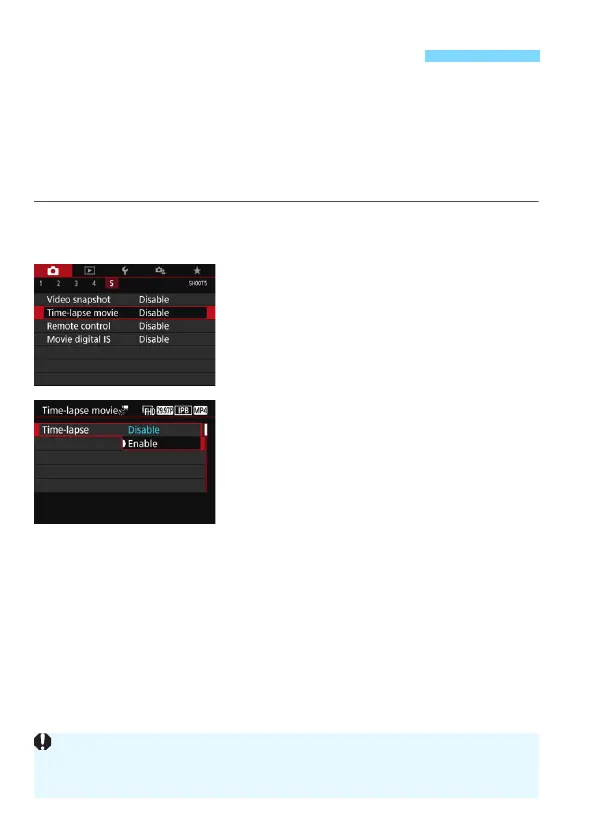
Select [Time-lapse movie].
Under the [z5] tab (the [z3] tab in
Basic Zone modes), select [Time-
lapse movie] and press <0>.
3
Select [Enable].
N Shooting Time-lapse Movies
Do not point the camera toward an intense light source, such as the sun or
an intense artificial light source. Doing so may damage the image sensor or
the camera’s internal components.



 To Next Page