392
You can apply the following Creative filters to an image and save it as a
new image: Grainy B/W, Soft focus, Fish-eye effect, Art bold effect,
Water painting effect, Toy camera effect, and Miniature effect.
1
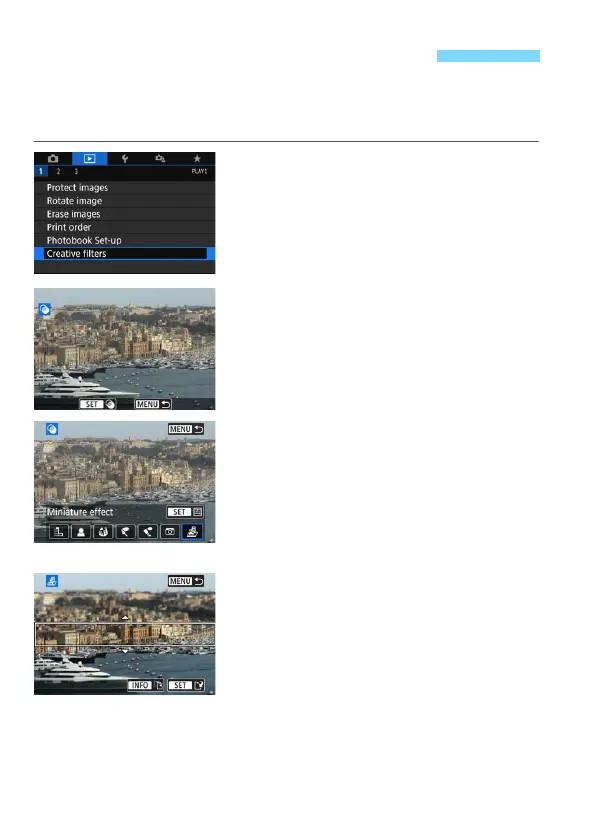
Select [Creative filters].
Under the [x1] tab, select [Creative
filters], then press <0>.
An image will be displayed.
2
Select an image.
Select the image you want to apply a
filter to.
By pressing the <I> button, you
can switch to the index display and
select an image.
3
Select a filter effect.
When you press <0>, the types of
Creative filters will be displayed
(p.393).
Select a filter, then press <0>.
The image will be displayed with the
effects of the filter applied.
4
Adjust the filter effect.
Adjust the filter effect, then press
<0>.
For the Miniature effect, press the
<W> <X> keys to move the white
frame to where you want the image to
look sharp, then press <0>.
U Applying Creative Filter Effects



 To Next Page