59
You can set how information is displayed on the screen according to
your preference. Change the settings as necessary.
1
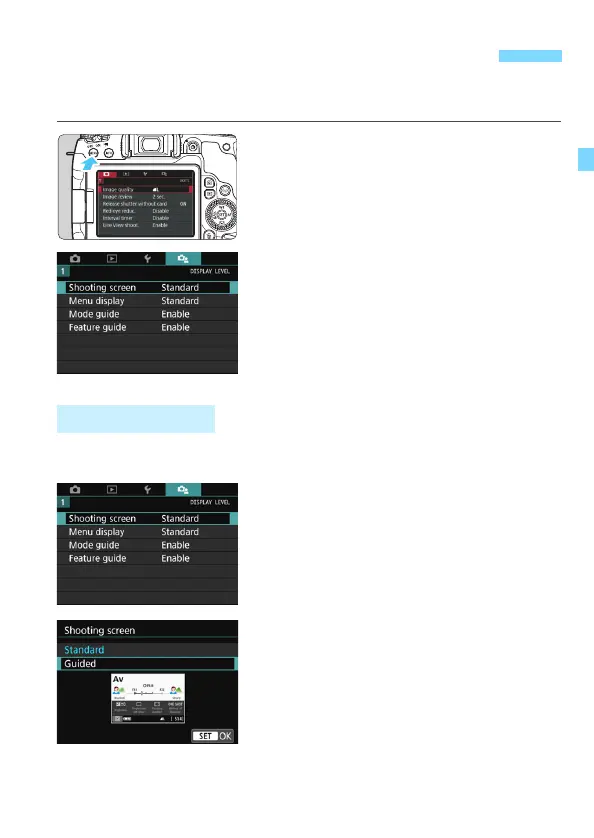
Display the menu screen.
Press the <M> button to display
the menu screen.
2
Select the [s] tab.
Press the <Q> button and select the
[s] tab.
You can select [Standard] or [Guided] (friendly display) for the Quick
Control screen in viewfinder shooting. By default, it is set to [Standard].
1
Select [Shooting screen].
2
Select the display method.
3 Setting the Screen Display Level
Shooting Screen



 To Next Page