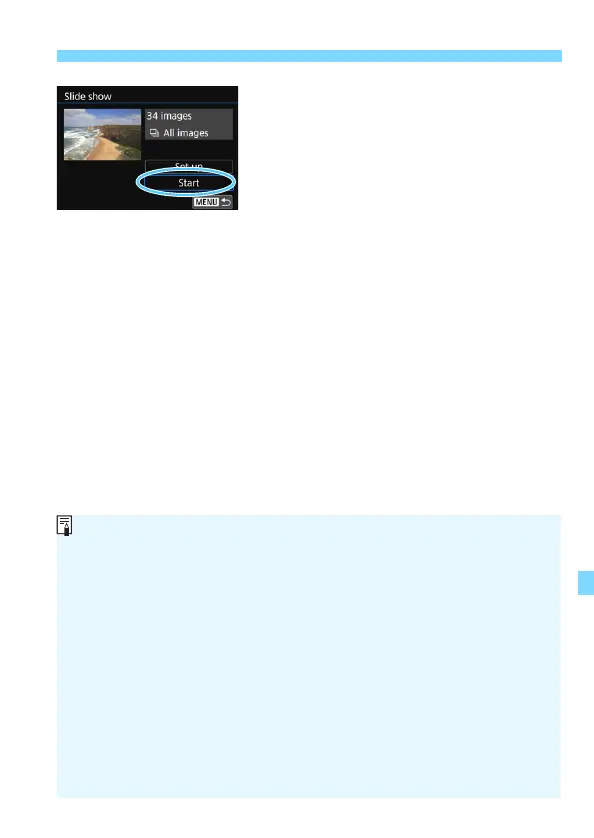
the slide show will start.
To pause the slide show, press <0>. During pause, [G] will be
displayed on the upper left of the image. Press <0> again to resume
the slide show. You can also pause the slide show by tapping on the
screen.
During auto playback, you can press the <B> button to switch the
still photo display format (p.121).
During movie playback, you can adjust the sound volume by turning the
<6> dial.
During auto playback or pause, you can turn the <5> dial to view
another image.
During auto playback, auto power off will not take effect.
The display time may differ depending on the image.
To view the slide show on a TV set, see page 369.
While viewing images in filtered playback with [x2: Set image search
conditions], you can play them back in a slide show.



 To Next Page