232
The basics of easy, fully automatic wireless flash photography are
described below.
Steps 1 to 4 and 6 apply to all
wireless flash photography.
Therefore, these steps are omitted in
other wireless flash setups described
on the pages hereafter.
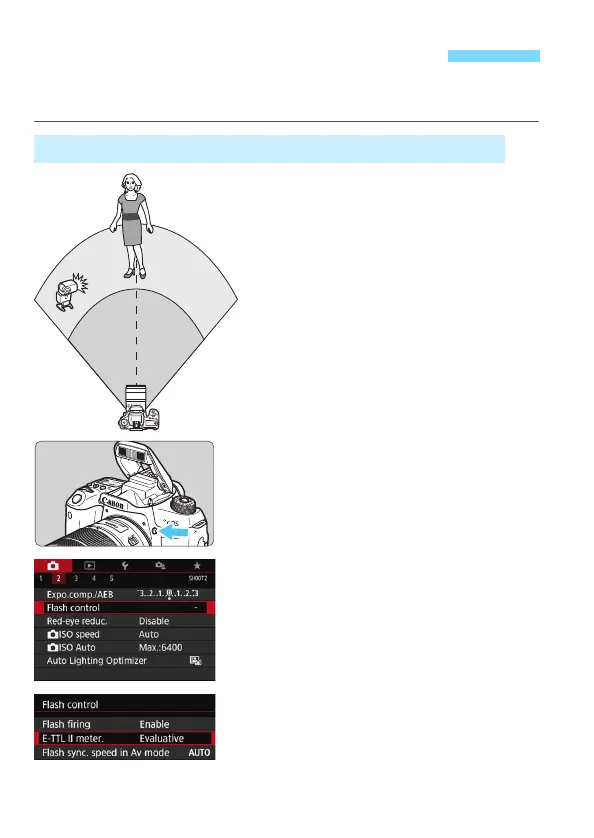
1
Press the <D> button to raise the
built-in flash.
For wireless flash photography, be
sure to raise the built-in flash.
2
Select [Flash control].
Under the [z2] tab, select [Flash
control], then press <0>.
3
Select [Evaluative].
For [E-TTL II meter.], select
[Evaluative], then press <0>.
Easy Wireless Flash PhotographyN
Fully Automatic Shooting with One External Speedlite



 To Next Page