61
3 Setting the Screen Display Level
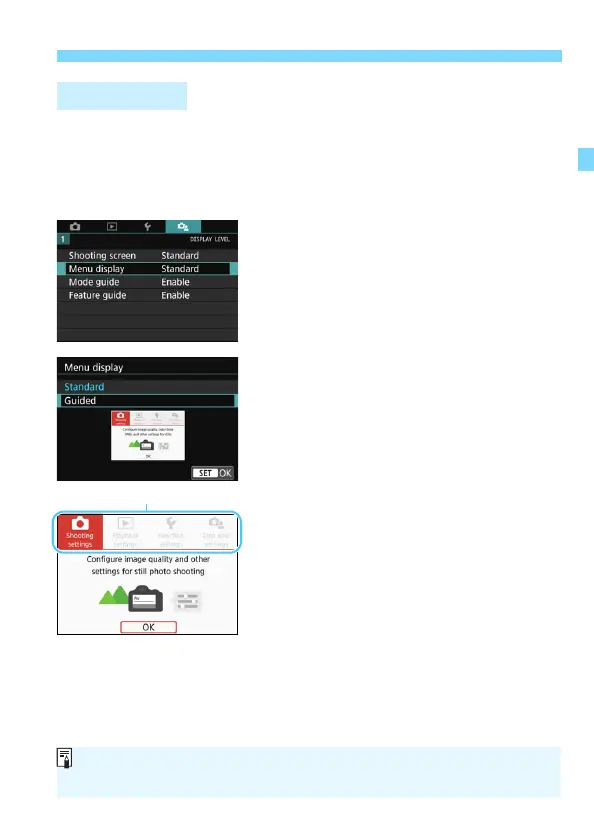
You can select the display method from [Standard] or [Guided]. If you
set [Guided], main tab descriptions are provided when you press the
<M> button. If you set [Standard], you proceed directly to the
menu screen when you press the <M> button. By default, it is set to
[Standard].
1
Select [Menu display].
2
Select the display method.
Menu Display
When [Guided] is set, the [9 (My Menu)] tab does not appear. To set My
Menu (p.413), change the menu display level to [Standard].



 To Next Page