413
Under My Menu tab, you can register menu items and Custom
Functions whose settings you change frequently. You can also name
the registered menu tabs, and press the <M> button to display the
My Menu tab first.
1
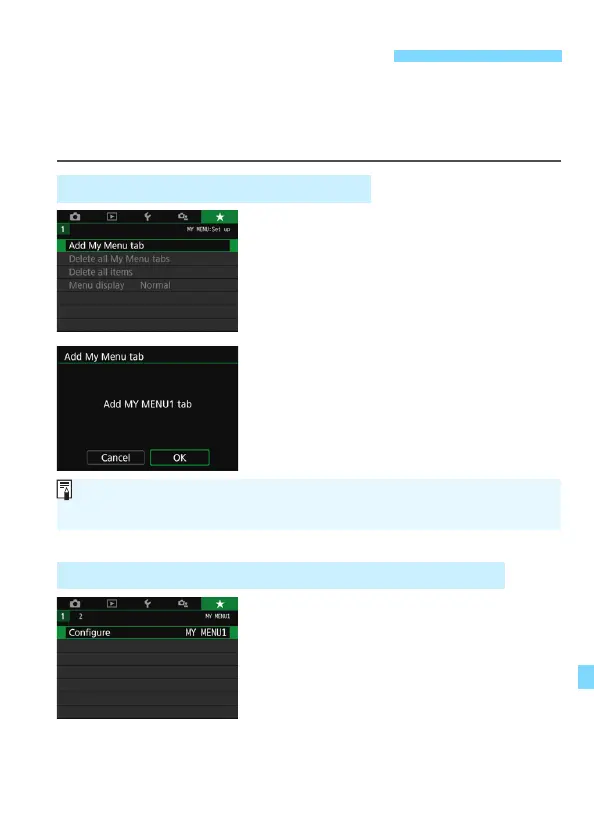
Select [Add My Menu tab].
Under the [9] tab, select [Add My
Menu tab], then press <0>.
2
Select [OK].
The [MY MENU1] tab is created.
You can create up to five menu tabs
by repeating steps 1 and 2.
1
Select [Configure: MY MENU*].
Press the <Y> <Z> keys to select
[Configure: MY MENU*] (tab for
registering menu items), then press
<0>.
3 Registering My MenuN
Creating and Adding My Menu Tab
Registering Menu Items under the My Menu Tab(s)
When [s: Menu display] is set to [Guided], the [9] tab will not be
displayed. Change the [Menu display] to [Standard] (p.61).



 To Next Page