83
2
Basic Shooting and
Image Playback
This chapter describes how to use the Basic Zone
modes on the Mode Dial for best results and how to
play back images.
With Basic Zone modes, all you do is point and shoot, and the
camera sets everything automatically (p.118, 430). Also,
because advanced shooting function settings cannot be
changed, you can enjoy shooting photographs without
worrying about botched pictures due to misoperation.
B
a
s
i
c
Z
o
n
e
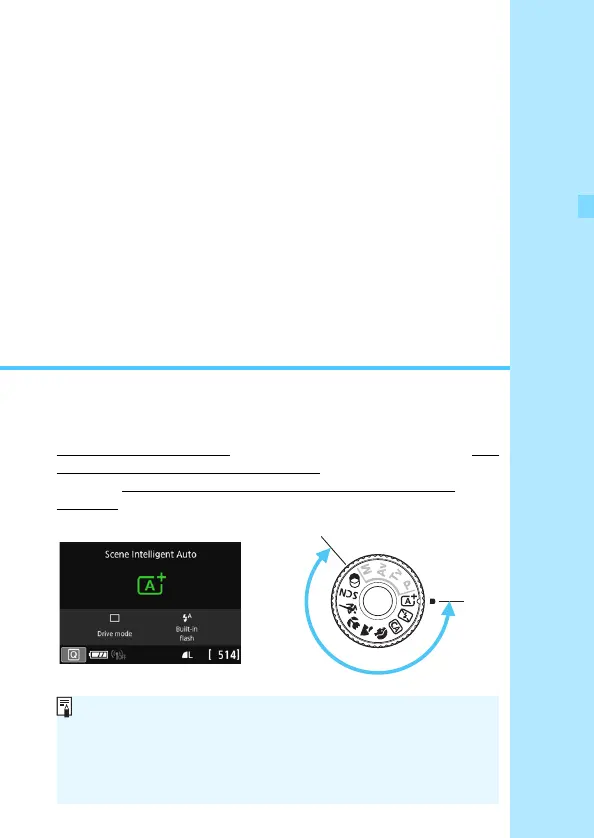
Before Shooting in the <8> or <v> Mode
When the LCD monitor is turned off, press the <Q> button or
<B> button (p.101, 111, 420) to check which shooting mode is
set before shooting.
*<8>: Special scene
*<v> : Creative filters



 To Next Page