Basic Shooting Operations
58
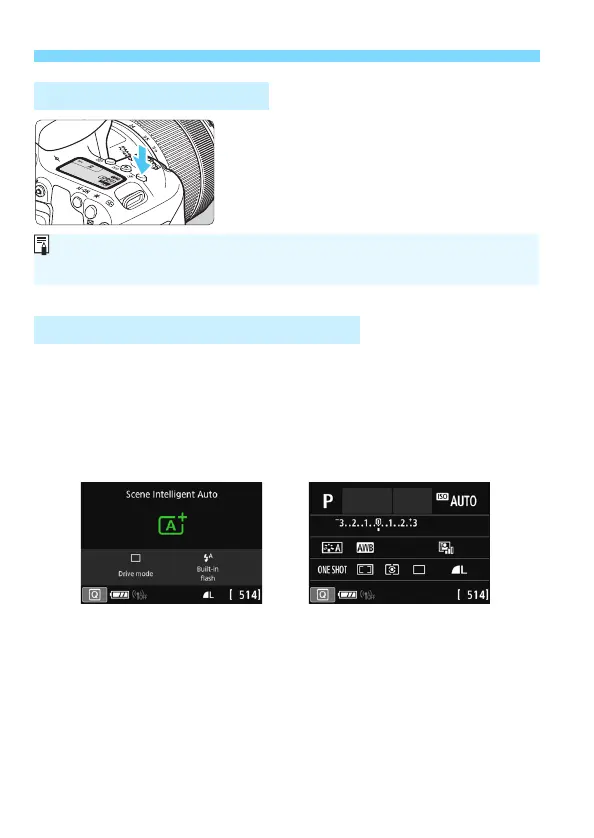
You can illuminate the LCD panel by
pressing the <U> button. Turn on (9)
or off the LCD panel illumination by
pressing the <U> button.
After you press the <B> button a number of times, the Quick
Control screen will appear. You can then check the current shooting
function settings.
Pressing the <Q> button enables Quick Control of the shooting
function settings (p.65).
Press the <B> button again to turn off the display.
U LCD Panel Illumination
Displaying the Quick Control Screen
During a bulb exposure, pressing the shutter button completely will turn off
the LCD panel illumination.



 To Next Page