3 Slide Show (Auto Playback)
368
After you use EOS Utility (EOS software) to copy background music to
the card, you can play background music together with the slide show.
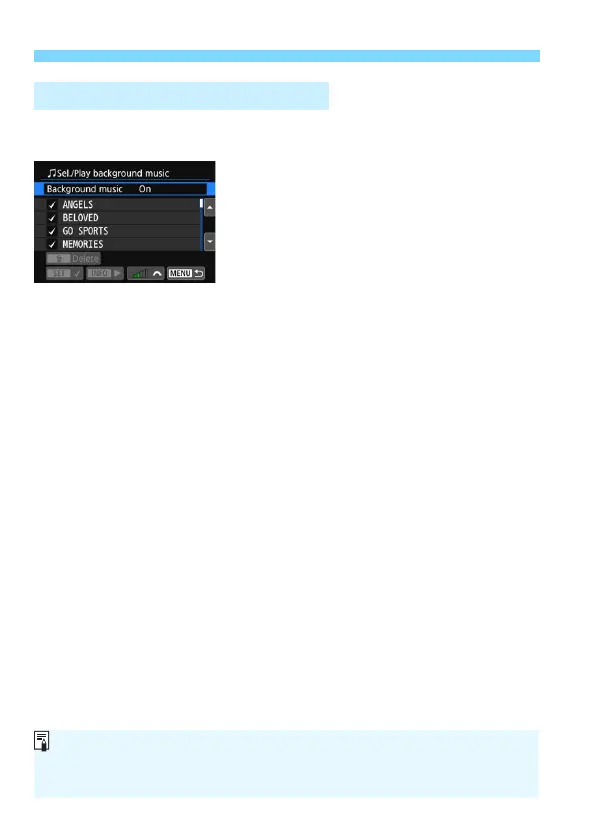
1
Select [Background music].
Set [Background music] to [On],
then press <0>.
If the card has no background music,
you cannot perform step 2.
2
Select the background music.
Press the <W> <X> keys to select
the desired background music, then
press <0>. You can also select
multiple background music tracks.
3
Play the background music.
To listen to a sample of the
background music, press the <B>
button.
Press the <W> <X> keys to play
another background music track. To
stop listening to the background
music, press the <B> button
again.
Adjust the sound volume by turning
the <6> dial.
To delete a background music track,
press the <W> <X> keys and select
the track, then press the <L> button.
Selecting the Background Music
At the time of purchase, the camera does not have background music. For
the procedure to copy background music to a card, refer to the EOS Utility
Instruction Manual.



 To Next Page