355
3 Setting Ratings
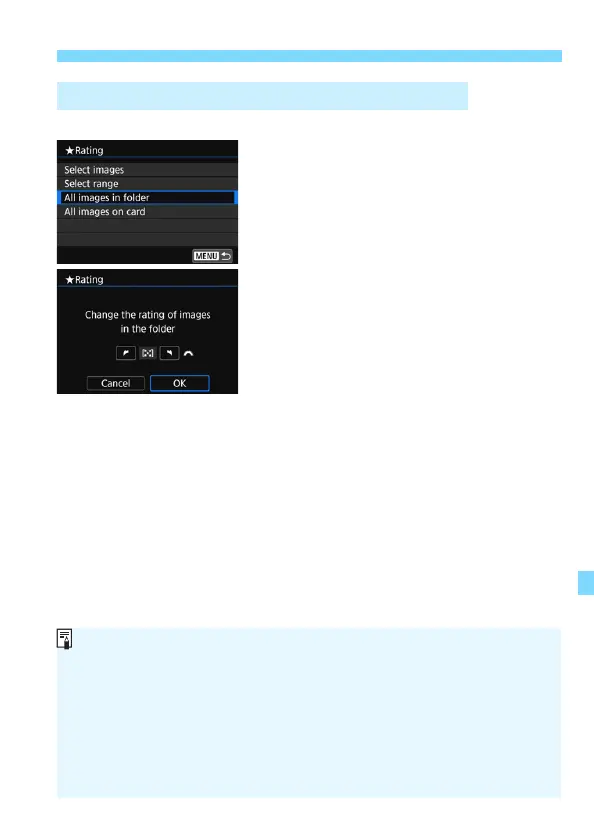
You can rate all the images in a folder or on a card at once.
When you select [All images in folder]
or [All images on card] in [x2:
Rating], all the images in the folder or on
the card will be specified.
Turn the <6> dial to select a rating
mark, then select [OK].
To cancel the rating, select the [OFF]
rating mark.
Specifying All Images in a Folder or on a Card
A total of up to 999 images of a given rating can be displayed. If there are
1000 or more images with a given rating, [###] will be displayed.
Taking Advantage of Ratings
With [x2: Image jump w/6], you can display only the images having
a specific rating.
Depending on the computer’s operating system, you can see each file’s
rating as part of the file information display or in the provided, standard
image viewer (JPEG images only).



 To Next Page